Start with EdrawMind Mobile Guide
User Guide for Mobile
-
Start
-
Topic
-
Examples
-
Customize
-
Insert
-
Templates
-
AI
-
File Operation
-
Poster
Inserting Images
You sometimes add pictures representing your content when making mind maps or presentations. You can even add funny images that can help the audience stay engaged.
If you want to make a mind map or presentation with EdrawMind on your phone, follow the steps below to add images:
Step ❶
Tap the + button, then go to Image and upload the photo from your phone.
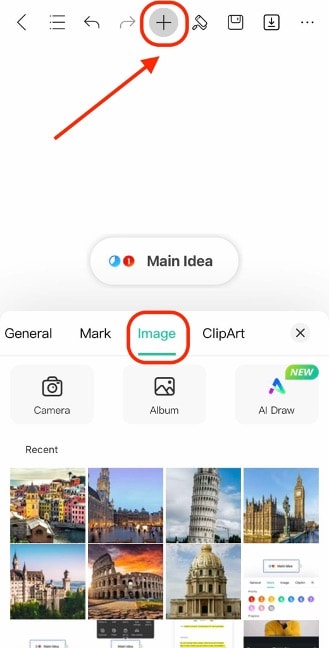
Step ❷
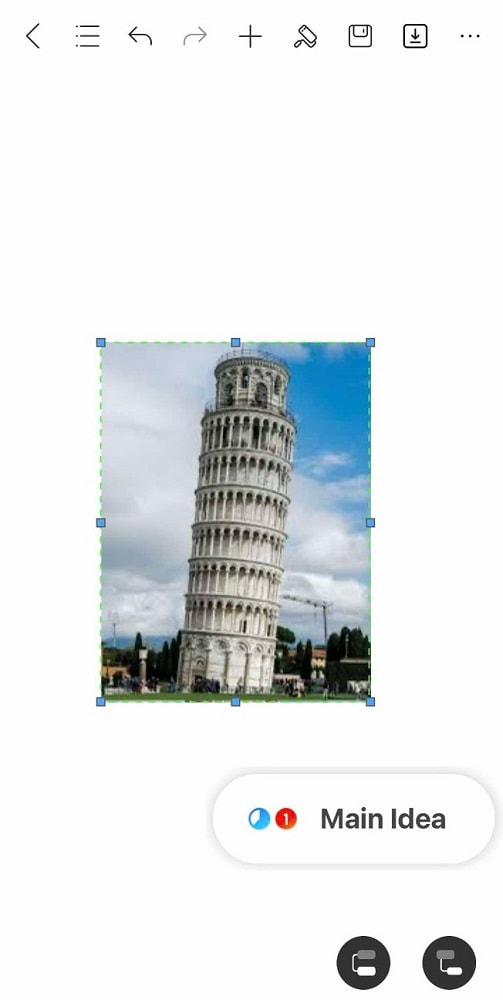
Hold and drag around the image as necessary. You can even drag it into a topic or subtopic to place it in the frame. To resize it, use the resize handles.