Start with EdrawMind Mobile Guide
User Guide for Mobile
-
Start
-
Topic
-
Examples
-
Customize
-
Insert
-
Templates
-
AI
-
File Operation
-
Poster
Import a Poster File
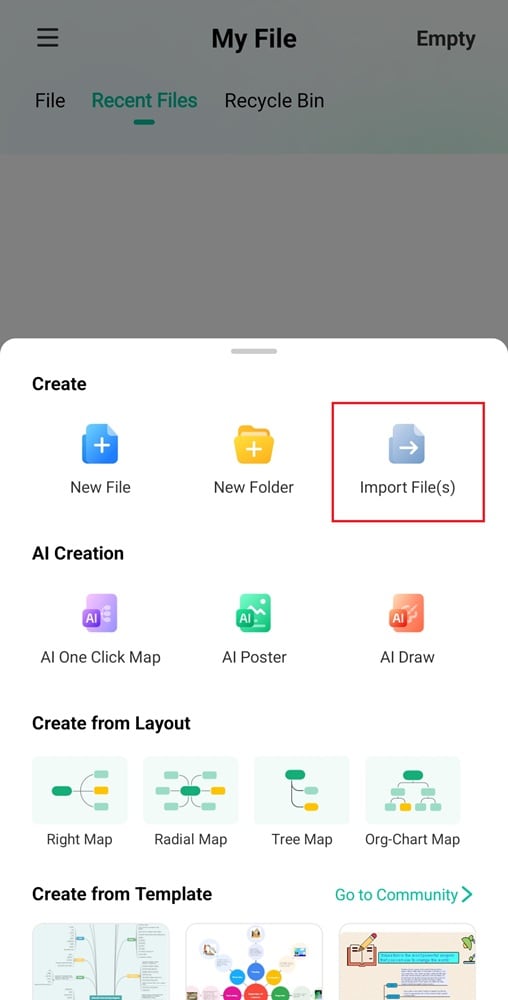
EdrawMind allows you to create posters by importing files, so it is easier to work with existing content. You can import files from MindManager, Xmind, Microsoft Word, and more, then customize them into a poster design.
Here’s how to import a file and turn it into a poster:
Step ❶
Open the EdrawMind mobile app and tap the Poster tab on the bottom menu.
Step ❷
Tap Import Local File from the menu, then select a file from your device to use for your poster.