Start with EdrawMind Mobile Guide
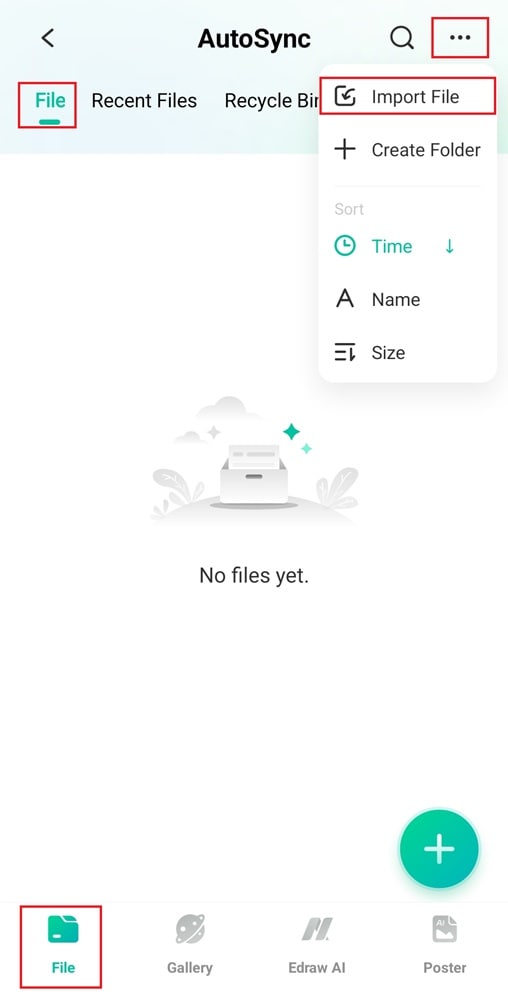
A fishbone diagram, or the Ishikawa diagram, helps you analyze the causes of a problem by organizing them into categories. Follow these steps to make a fishbone diagram using the EdrawMind mobile app:
Step 01 Create a Fishbone Diagram
Choose from the following methods:
Method 1: Use a Template
- Go to the File tab and tap the + button at the bottom.
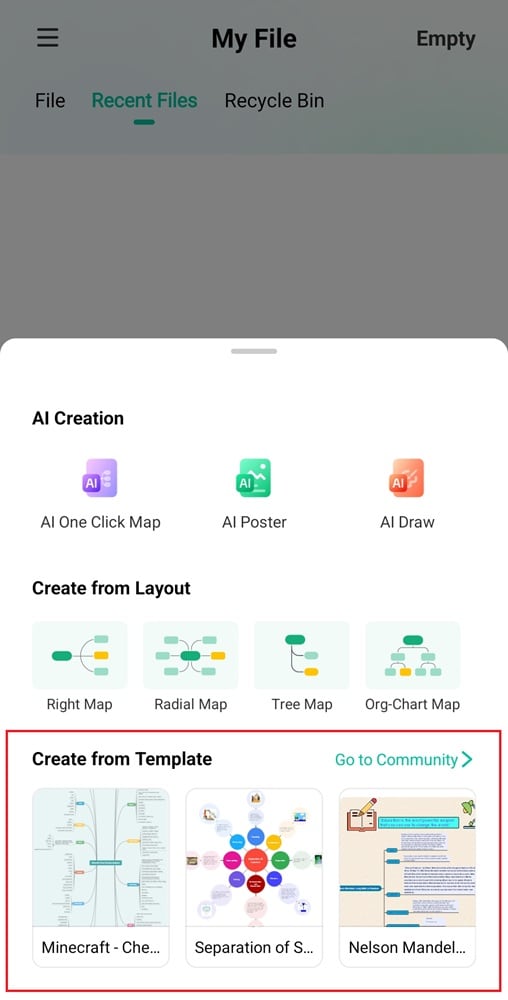
- Scroll down to Create from Template and tap Go to Community.
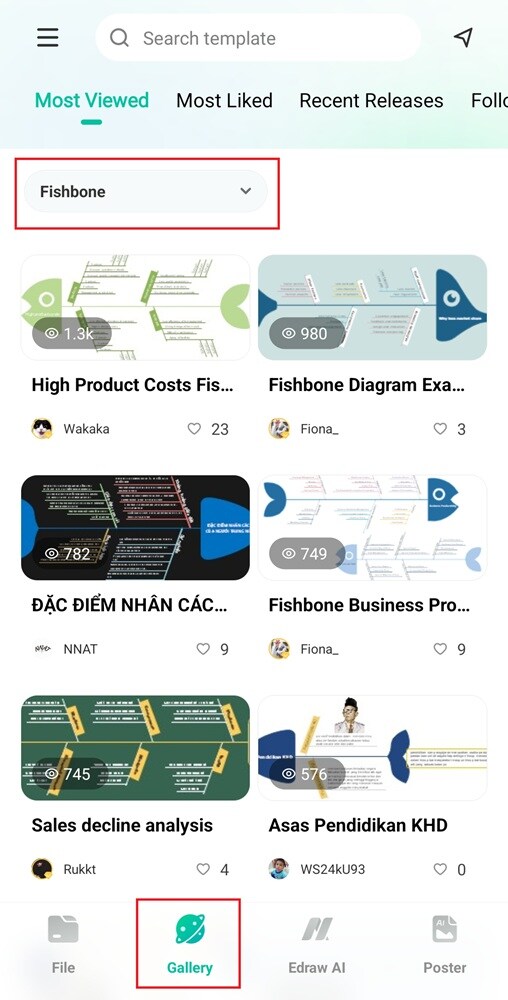
- Alternatively, go to the Gallery tab and search for fishbone templates.
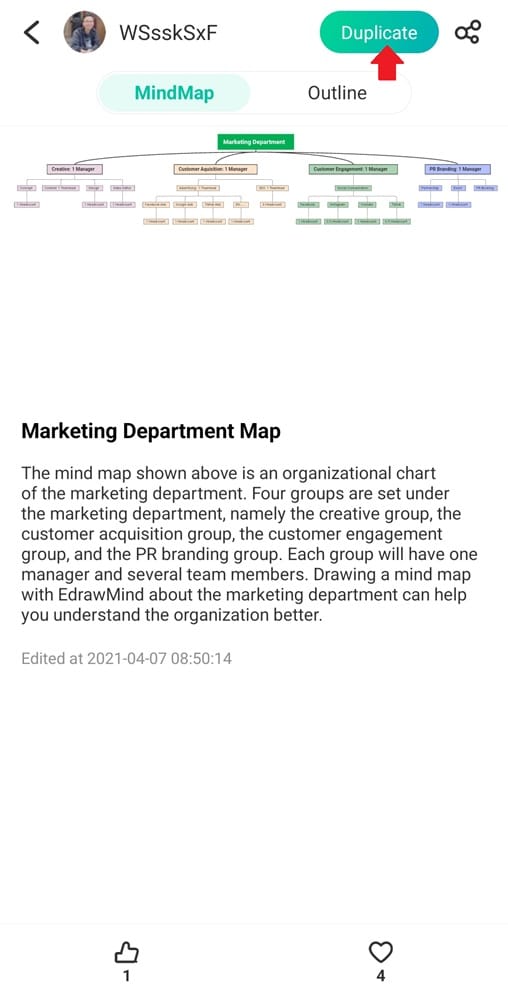
- Select and preview a fishbone template, then tap Duplicate to customize it.
Method 2: Use a Blank Layout
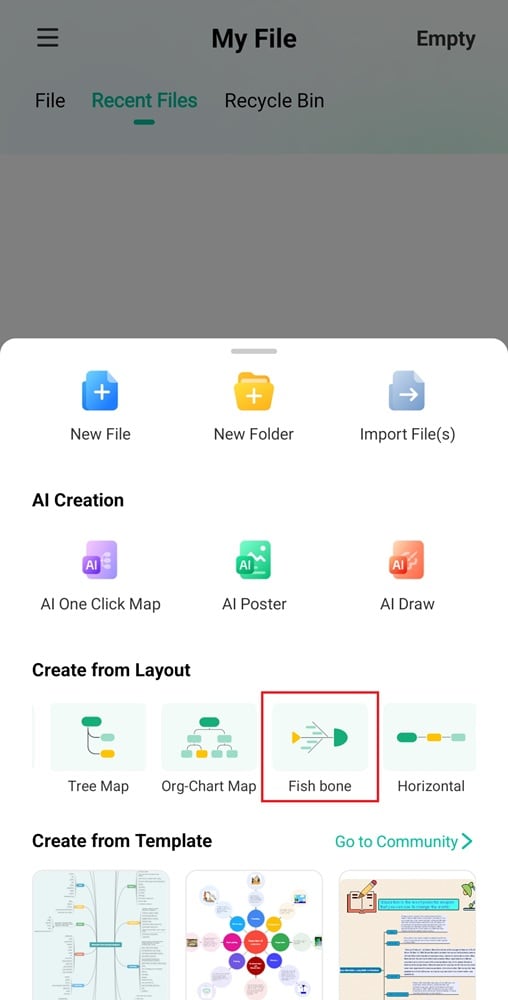
- In the File tab, tap the + button at the bottom right. Next, go to Create from Layout and swipe left.
- Choose the Fish bone layout from the available options.
Step 02Add the Main Problem Statement (Main Idea)
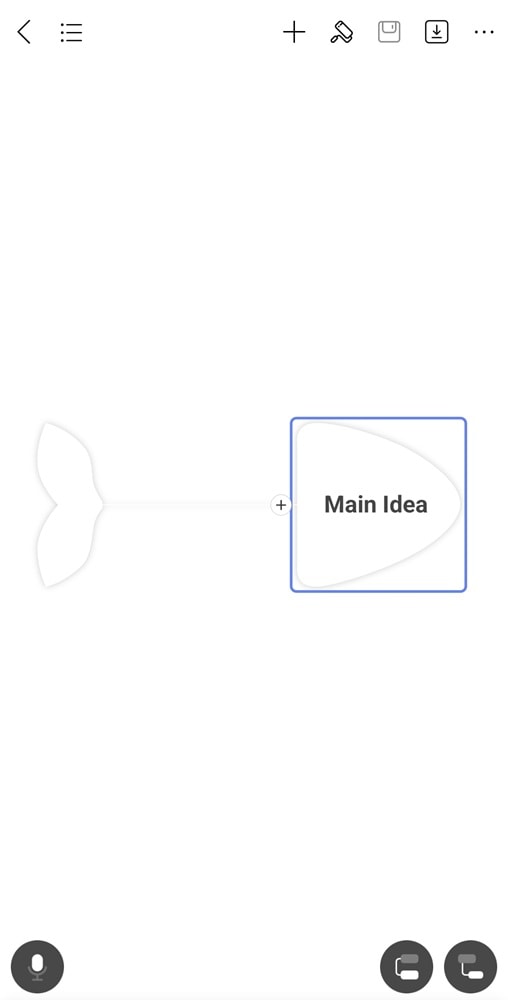
Select the default main idea and rename it to the problem or effect you want to analyze. It is the head of the fishbone diagram.
Step 03Add the Main Problem Statement (Main Idea)
Tap the Topic icon at the lower right corner to create main branches. These branches represent major categories of causes, such as Methods, People, Materials, or Environment.