

The best mind-mapping tool for Linux depends first on how you want to run it: native desktop app, browser-based workspace, or open-source local software. For most users, the deciding criteria are Linux distribution support, offline access, collaboration, import/export formats, and whether advanced features require a paid plan.
This comparison evaluates tools by those practical constraints instead of ranking them only by feature count. A browser-based tool can be the better fit for teams, while a native or open-source option may be preferable when offline use and local file control matter more.
Decision signal from current SERPs: Linux users compare native package support, offline use, open-source availability, sync/collaboration, and import/export—not feature count alone. Check product documentation before installation because distro and packaging support can change.
In this article
What Makes a Good Mind Mapping Tool
Creative Technique
Brainstorming is a perfect use of mind mapping. They help develop the initial concept and the flexibility to keep refining before specific creative ideas can be achieved.
Capacity for Analysis
When deciding on an idea or concept, it helps to isolate it, to analyze it, and then to achieve a knowledgeable conclusion.
Classification of Information
It facilitates efficient, intuitive typing and organizing of ideas, enabling participants to recognize what they want.
Device Compatibility
Mind mapping tools that can be used on various devices and platform makes the collaborative designing and brainstorming approach more efficient.
Teamwork
A mind map representing every idea or concept provides an overview of the project. This overview helps in ensuring that every team member is on the same page. Therefore, explaining project ideas with a mind map results in greater clarity, consistency, and accuracy.
Better Project Plan
Mind map Linux tools have an excellent format for the content and project plan. They help in simplifying the given data and making it accessible to all participating members.
Top 5 Mind Mapping Tools for Linux
A good mind mapping application is a must-have when it comes to organizing, brainstorming, and planning projects.
Those who use Linux and prefer to work efficiently, with full control over their work, will find that the correct tool will bring them the best results.
The great news is that a wide range of powerful options is available, from sleek visual tools to code-based powerhouses. Here are the best mind mapping tools for Linux that you can use solo or with a team:
EdrawMind: Best for Real-Time and AI-Assisted Brainstorming
Wondershare EdrawMind is one of the best Linux mind mapping software programs. If you are a cross-platform user, this tool will be your best companion, keeping your work consistent and professional on every system.
 Try the app & get 500 free AI tokens


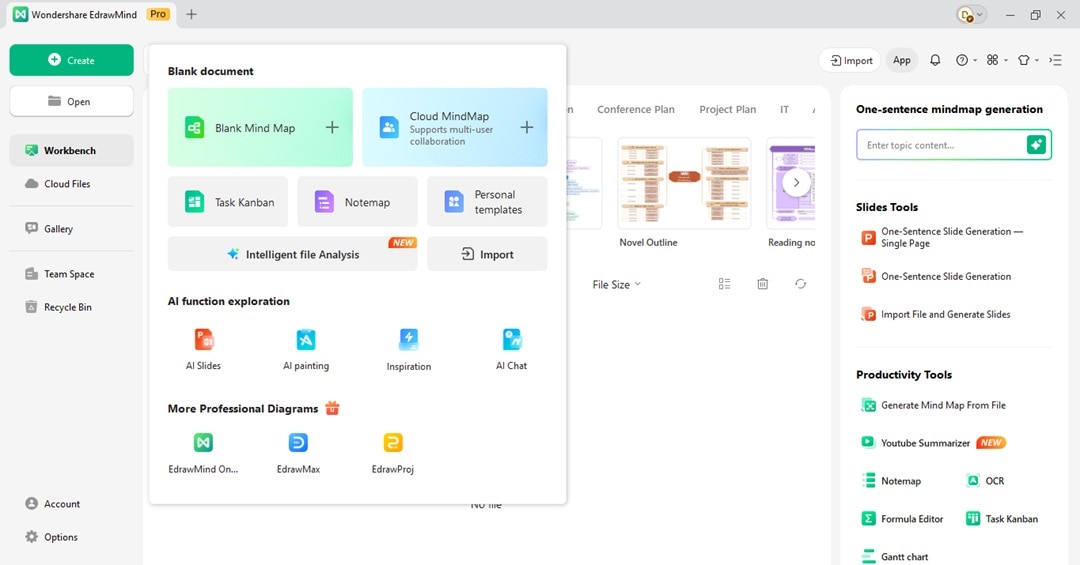
Its combination of a user-friendly interface and advanced AI tools is the main factor that attracts people. You can also turn an existing file or a short prompt into a full mind map with AI doing the work for you.
You can then easily turn that mind map into a professional-looking presentation, all within the same software.
Key Features
Here are some of the best features of EdrawMind:
- AI-powered diagram generation, summarization, and brainstorming.
- Real-time collaboration online with teammates
- Convert a mind map, text prompt, or an existing file to an editable PPT presentation with 200 styles.
- Instantly converts your mind map into a project timeline.
- An extensive library of pre-made templates for various use cases and stylish design themes.
- Downloadable for 64-bit Linux, including Debian, Ubuntu, Mint, Fedora, CentOS, and Red Hat. Also accessible in Windows, Mac, web, and mobile apps.
Xmind: Best for Minimalist Mind Mapping
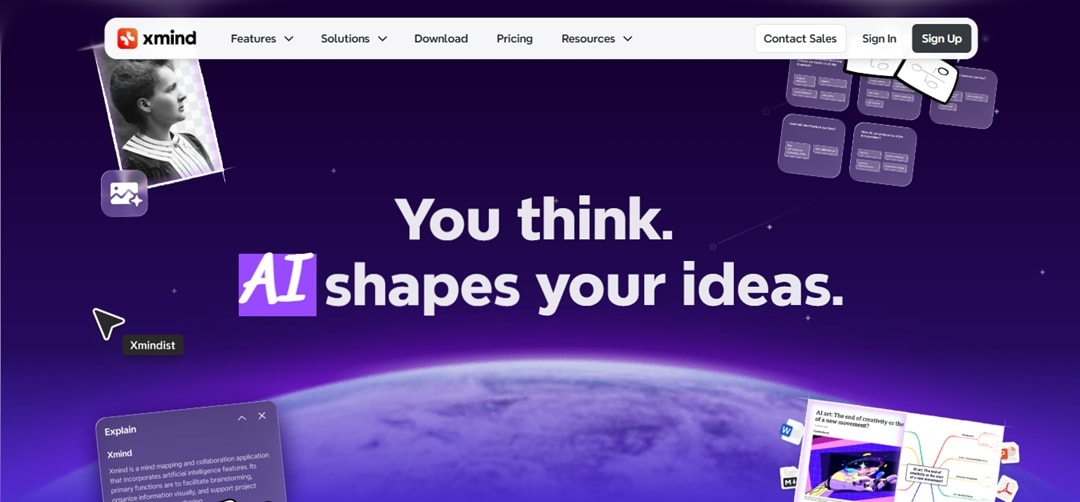
Xmind has been known for a long time for its creation of visually impressive mind maps. One of the biggest strengths of Xmind is the well-thought-out design and the features that facilitate deep concentration.
The standout Zen Mode is a perfect example, as it strips away all interface elements, leaving you with your canvas of ideas. The diagrams created by this Linux mind mapping software are crisp, making them ideal for presentations or reports.
For Linux users, the desktop app is stable and responsive, even on less powerful machines.
Key Features
Xmind offers these key features:
- AI helps improve inputs as your team collaborates on the mind map in real-time.
- Manage tasks and deadlines directly within the mind map.
- App integration, such as Slack, Zoom, and Notion
- Support for various structures like mind maps, logic charts, matrices, and timelines.
- A stunning collection of themes and customizable styles.
Mindomo: Best for Education and Team Projects
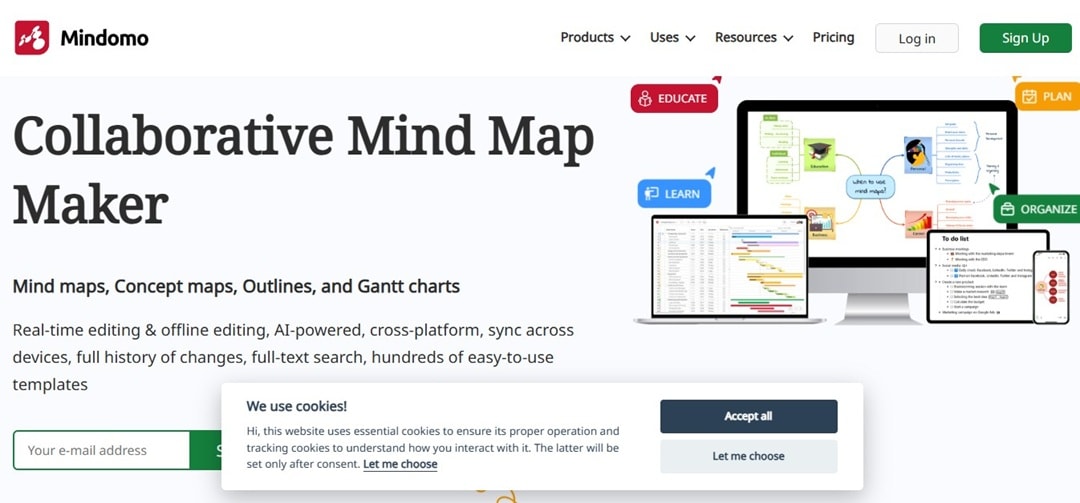
Mindomo operates as a cloud-based tool, but it also offers a full-featured Linux mind mapping software. One of its major advantages is its powerful set of collaboration features. You can work with your team in real-time and access chat messages.
Furthermore, it has unique features tailored for education, like creating assignments and grading, making Mindomo the best Linux mind mapping software for academic environments. For teams, Mindomo works as both a planning tool and a light project manager.
Key Features
Mindomo core features include the following:
- Offline and online sync across devices
- Multimedia integration with links, files, and video
- Integrations with Google Classroom, Blackboard, OneDrive, and more
- Templates tailored for education and business
- Use full-text search to locate specific content instantly, no matter which mind map it's in.
Draw.io: Best for Privacy-Focused and Offline Diagramming
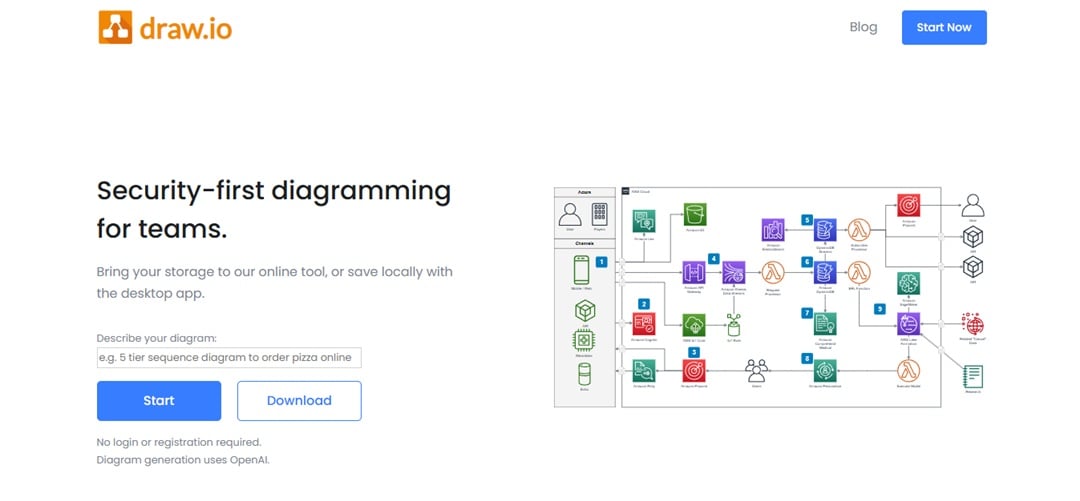
Draw.io is a unique, security-first diagramming tool that puts you in complete control of your data. Its standout feature is that it requires no account, meaning your diagrams are never locked behind a login. You own your work, period.
What’s especially good is its ability to run offline directly in your browser after the initial page load. Draw.io remains a versatile Linux mind mapping software for nearly any diagram type you can imagine.
Key Features
Here's a breakdown of Draw.io's main features:
- Can use it with integrated apps like GitHub, Confluence, Jira, and Google Workspace.
- Advanced data governance and lockdown configurations.
- Seamless real-time collaboration with shared cursors.
- Flexible light and dark mode customization.
- Generate visuals using Mermaid code, CSV spreadsheet data, or SQL.
PlantUML: Best for Text-Based Diagramming
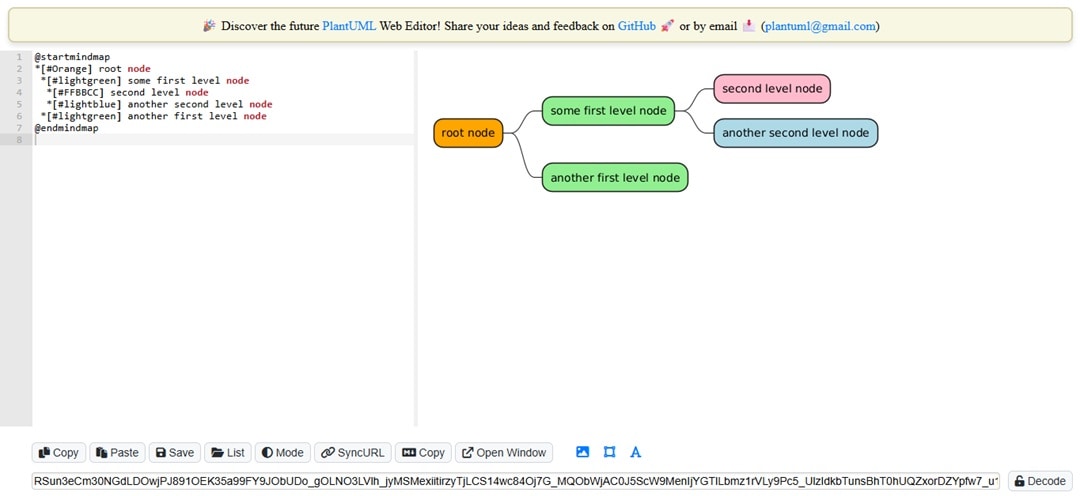
PlantUML is one of the best free open-source mind mapping tools for Linux. Instead of dragging shapes around, you write code to generate diagrams. This makes it ideal for developers or anyone who prefers working with text.
It might not be for everyone, but once you get the hang of the syntax, you can create complex diagrams faster than with drag-and-drop tools. On Linux, it integrates into coding environments, making it a strong choice for technical users.
Key Features
Here is what PlantUML has to offer:
- Text-based input for diagram generation
- Support for mind maps, JSON data, and activity diagrams
- Flexible diagram layouts with multiple rendering engines
- Versatile export options, including PNG, SVG, and EPS, for easy sharing.
- Enhance diagrams with hyperlinks, sprite icons, and mathematical expressions.
Choosing Your Linux Mind Mapping Software
Choosing the best Linux mind mapping software depends entirely on how you think and work.
Do you prefer a polished visual canvas or a simple text editor? Is real-time team collaboration your priority, or do you value absolute privacy and offline access?
This table breaks down the key differences between these five excellent mind mapping Tools for Linux listed above:
| Criteria | EdrawMind | Xmind | Mindomo | Draw.io | PlantUML |
| Primary Strength | AI-Assisted Brainstorming and Presentations | Minimalist Design & Focused Work | Education & Team Projects | Privacy and Offline Versatility | Text-Based Diagramming (Code) |
| Collaboration Focus | Real-time online co-editing | Real-time with app integrations | Real-time sync and chat | Real-time with shared cursors | Asynchronous (via version control like Git) |
| Cost Model | Freemium (Free with limits & watermarks) | Freemium (Free with locked export formats) | Freemium (Free with limited exports) | Freemium | Free and Open Source |
| Best Suited For | Teams and individuals who want powerful AI tools and professional-looking diagrams quickly. | Users who value aesthetics and a simple interface for focused, individual work. | Students, teachers, and academic teams need strong collaboration features. | Privacy-conscious users and anyone needing a versatile diagramming tool. | Technical users who prefer to write code to make diagrams |
Final Thoughts
There are numerous tools to help you quickly and efficiently collect and organize your thoughts and ideas as a mind map for Linux. These tools can save you time and effort in building mind maps and sharing them online with your teammates.
Based on all the mind map Linux tools available, it is easy to conclude that, while every instrument has its advantages and disadvantages, EdrawMind has the edge over other more popular mind mapping tools for Linux.
 EdrawMind
AppsEdrawMind Online
EdrawMind
AppsEdrawMind Online

