


Mind mapping is key to clear thinking. It helps you brainstorm, connect ideas, and make smarter decisions with ease. If you’re looking to organize ideas faster, this article highlights the best mind map makers of 2025.
From smart AI tools to free mind map generators, discover apps that boost focus, creativity, and planning.
In this article
What Are Mind Maps?
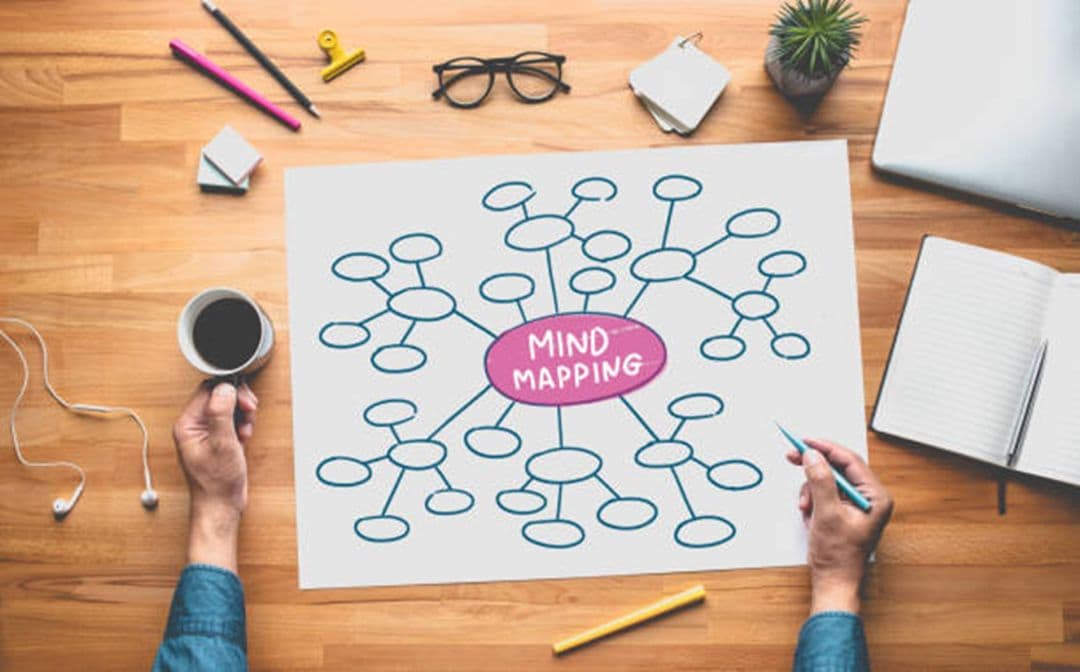
Mind maps are visual diagrams that help you organize ideas, concepts, or information hierarchically—usually with a central idea in the middle, branching out to subtopics, and then further details.
They’re great for brainstorming, studying, planning, problem-solving, and helping your brain see connections you might otherwise miss.
In 2025, mind mapping tools have evolved a lot. They aren’t just static diagrams anymore. They often include:
- Real-time collaboration so teams can co-edit, comment, or vote together.
- Multimedia embedding (images, videos, audio, links).
- Multiple layout types: tree, fishbone, org charts, timelines, etc.
- Advanced export/import options (PowerPoint, PDF, Word, etc.).
- AI-powered features include auto-generating maps from text or PDF, auto-organizing layouts, summarization, translation, and more.
Picking the right tool is the key to managing your tasks effectively and generating better ideas. To help you do this, this article lists the best mind map tools you can use in 2025.
10 Best Mind Map Makers in 2025
EdrawMind
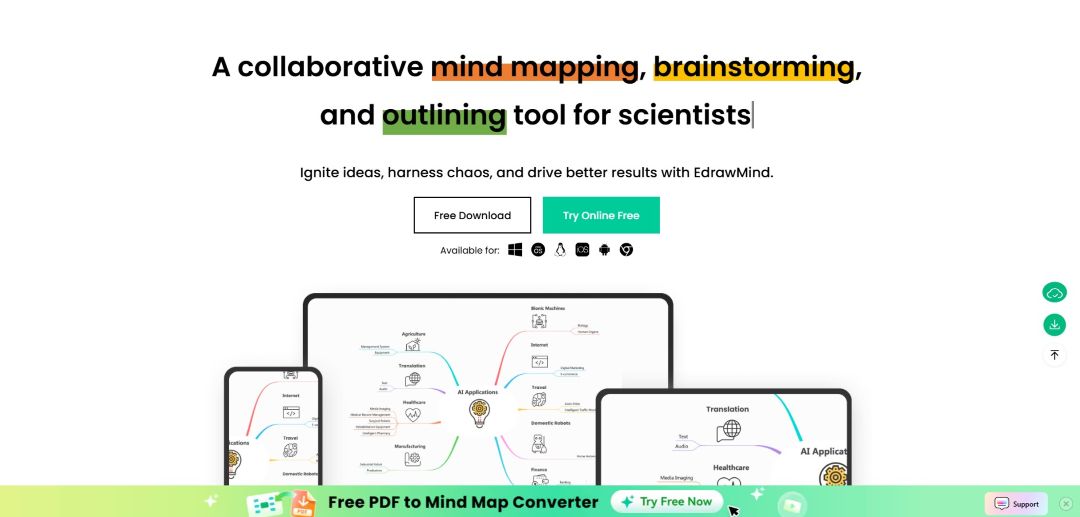
Wondershare EdrawMind continues to up its game this year. Their AI tools (AI Mind Map Generator, AI assistant) enable you to convert text, documents, and slides into a map, auto-organize them, batch translate text, polish tone, and create SWOT or summary reports.
Their latest updates include better themes/layouts, more export options, cloud syncing, and improved collaboration. It works on Web, Desktop (Windows, Mac, Linux), and mobile (iOS, Android).
MindMeister
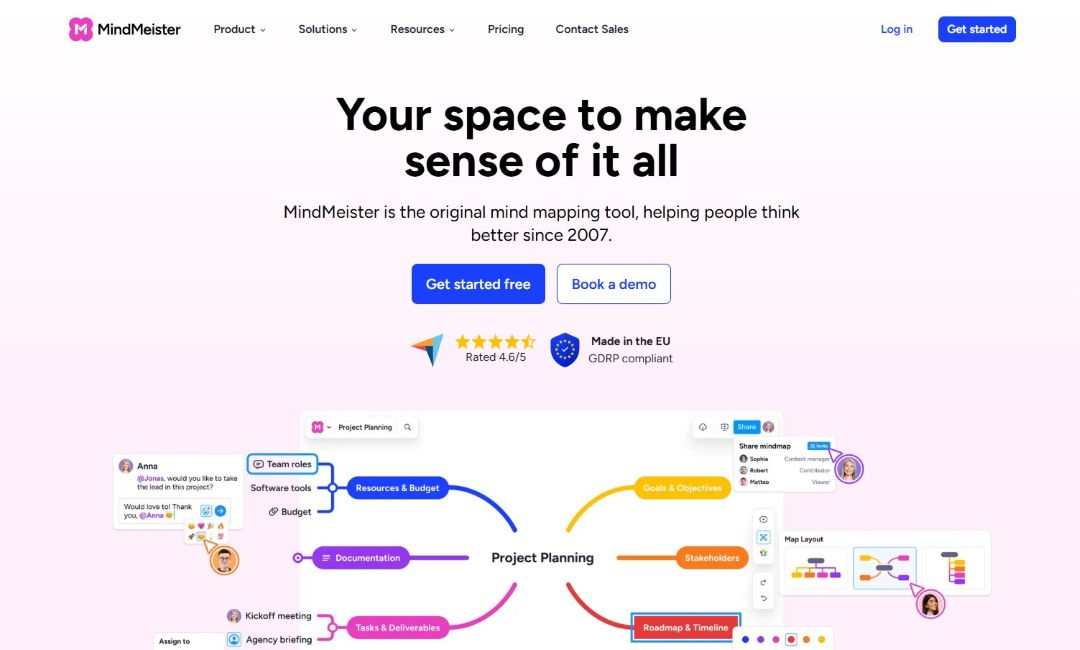
MindMeister is one of the most popular mind map tools online. It focuses on teamwork and easy sharing. You can brainstorm live with others, leave comments, and present maps right inside the app.
Templates and media support help you keep ideas clear. It’s perfect for groups or classrooms, though offline use is limited.
XMind
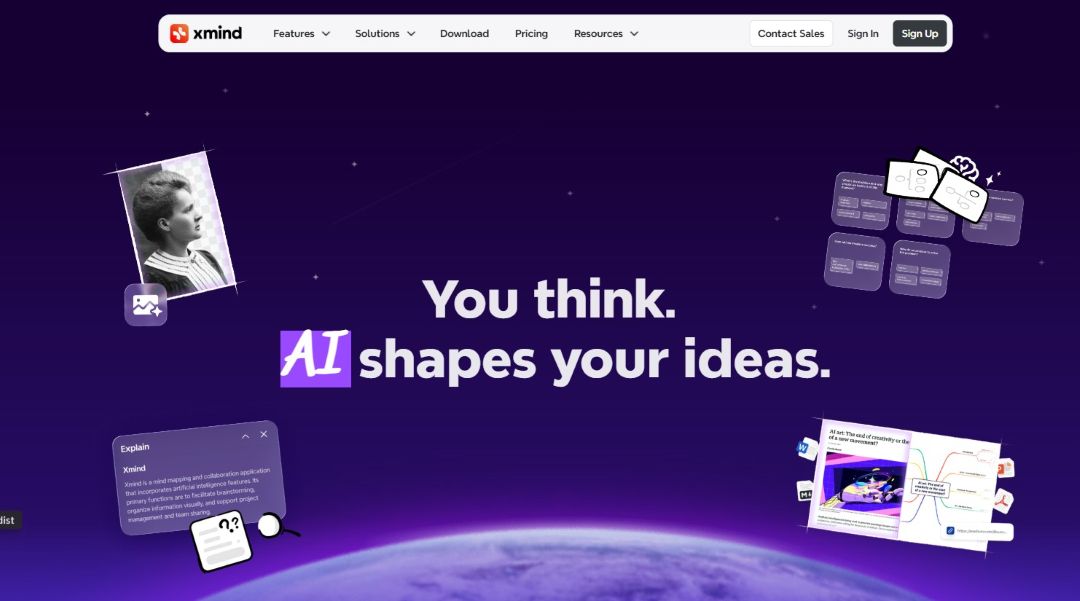
If you like beautiful visuals, clean design, multiple layout types, and good offline functionality, XMind is a foolproof choice. It also has some newer AI features to help with brainstorming prompts.
Mindomo
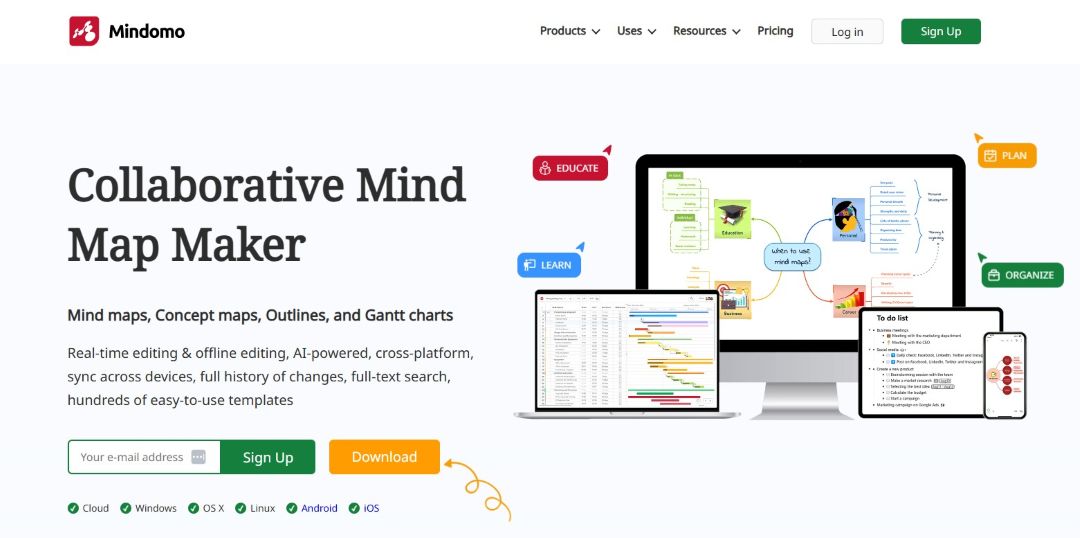
If you want a mind map maker that balances usability with enough power to do more when you need it, the freemium mind map generator Mindomo is solid. It supports media embedding, presentation view, offline modes (desktop), and good cross-platform sync.
Ayoa
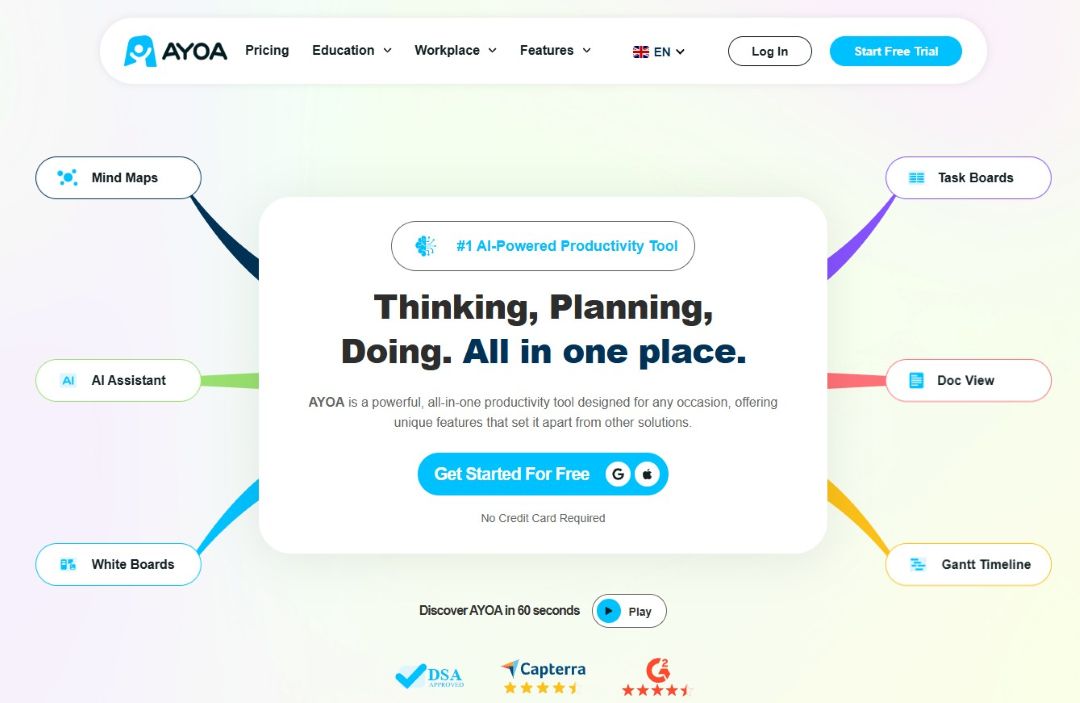
Ayoa is ideal for brainstorming and following through with tasks. It combines mind maps, whiteboards, and task management features, making it one of the best mind map makers for creative or team-driven settings.
Coggle
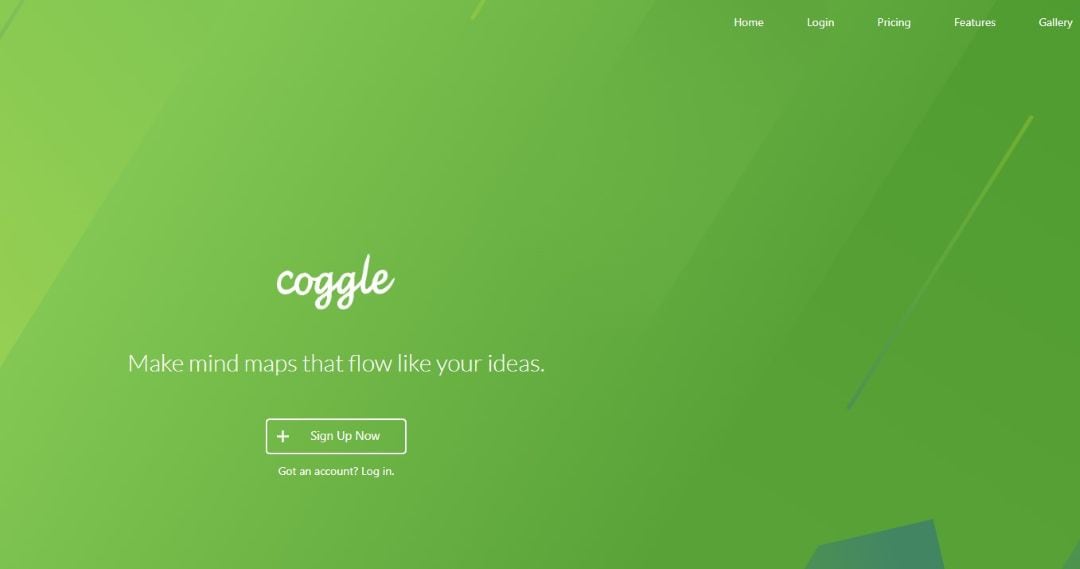
Coggle is one of the best free mind map makers (especially for beginners or casual users). If you need to toss ideas together or sketch out something fast, Coggle makes that very easy.
Lucidchart
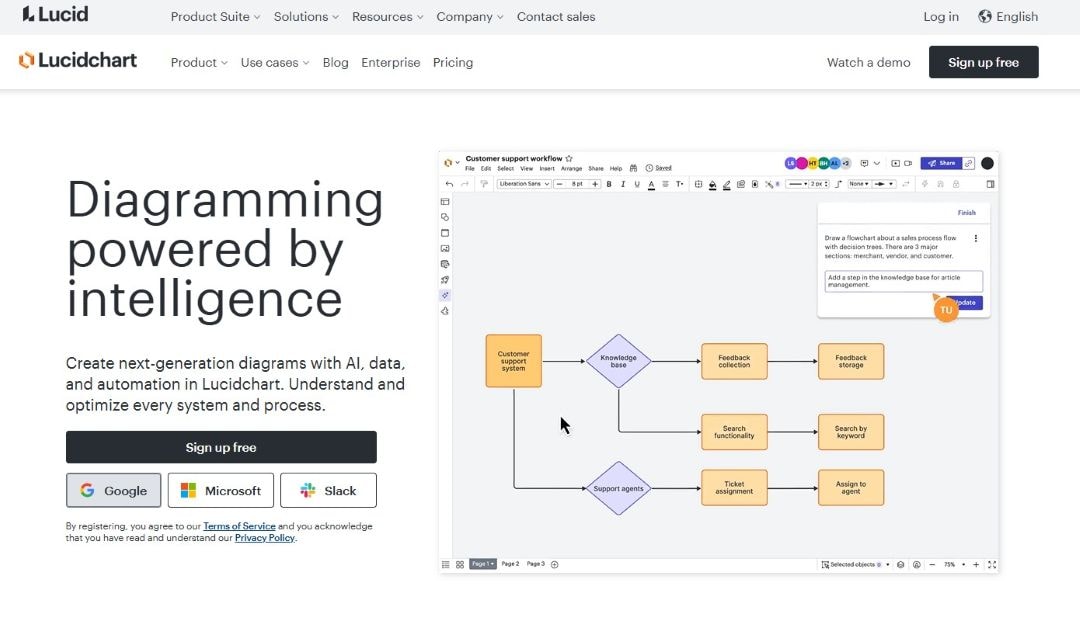
Lucidchart is more of a full diagramming + collaboration platform, but it's excellent if your mind maps need to tie in with flowcharts, processes, or team workflows. It’s not a purely free mind map maker, but its free plan gives you a taste.
Freeplane
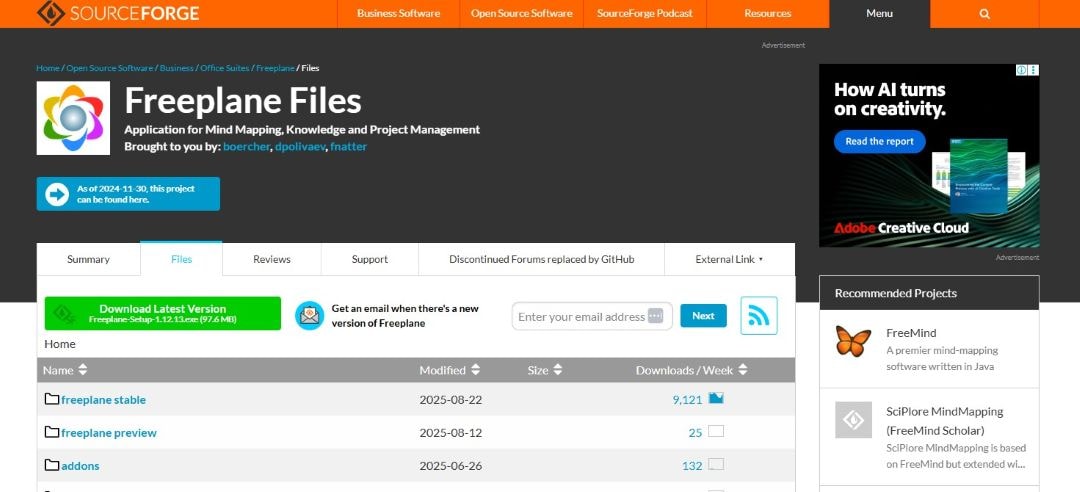
If you're looking for a truly free mind map maker with a less flashy interface, Freeplane is a very strong contender. It’s favored by people who like customization, power, and working locally.
GitMind
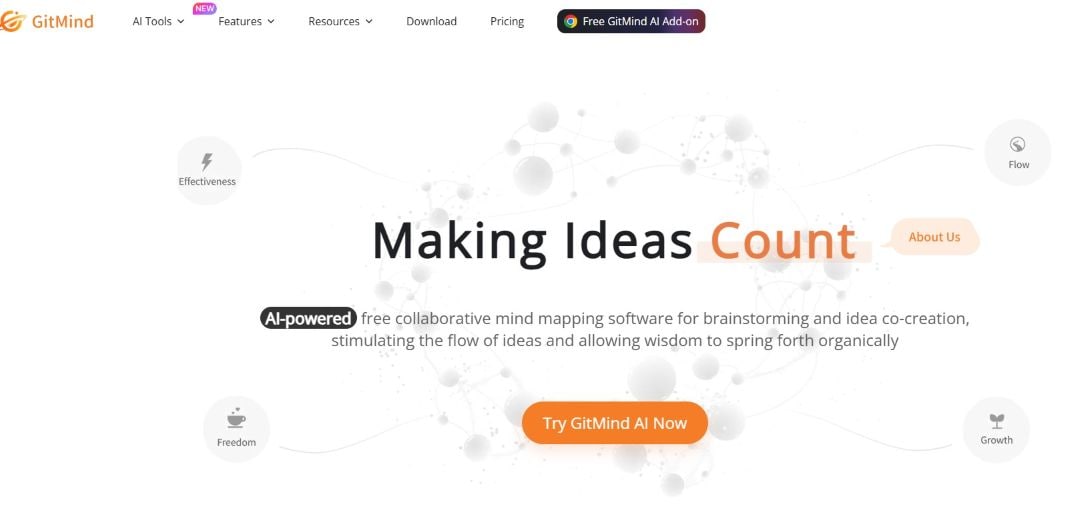
GitMind is a good option when you want a free mind map maker online that’s easy, fast, and accessible from a browser. For students or quick sketches, it gets the job done. It has templates, basic media support, and sharing.
MindManager
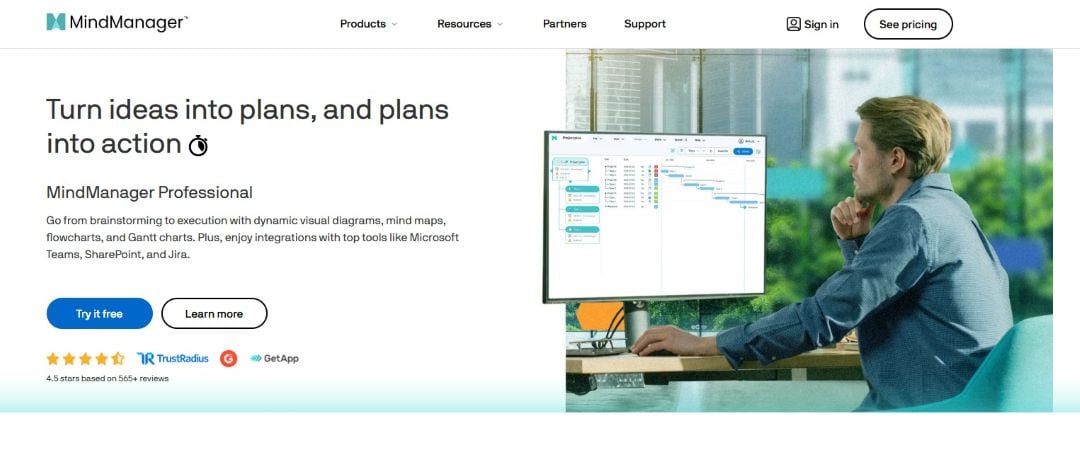
MindManager is more geared toward enterprise or power users who often do project planning, integration with Microsoft tools, task/time management, etc. If you need control and complexity and are ready to pay for it, it’s solid.
Comparison of Mind Map Makers
Here’s a side-by-side look at how some of these tools compare across key dimensions. These are things you should think about when choosing a tool (besides “cool visuals”).
| Feature/Dimension | What matters | EdrawMind’s position (2025) | How others stack up |
| AI features and speed | Ability to auto-generate maps, summarize, translate, suggest layouts, etc. | EdrawMind offers an AI one-click mind map, AI assist for SWOT, batch translation, tone correction, weekly report, mind map-to-slides, etc. | Some tools like Ayoa are adding AI; XMind has AI-assist; others (Freeplane, Lucidchart) have more limited or no AI generation. |
| Collaboration/Real-time editing | Real-time co-editing, commenting, version history, sharing | EdrawMind supports real-time collaboration, cloud syncing, and many templates; good cross-platform. | MindMeister and Ayoa are also strong here. Tools like Freeplane are weak in real-time collab. Coggle is decent but limited for large teams. |
| Layouts/Visual options | Types of maps, themes, templates, advanced layout types, export options | EdrawMind has increased templates (200+ for slides), many layout types (bracket, Kanban, etc.), improved export, and presentation conversion. | XMind and Mindomo are also good; some tools (simpler ones) have fewer layouts, fewer export formats. |
| Platform support | Windows, Mac, Linux, Web, Mobile (iOS, Android), offline mode | EdrawMind covers all those major platforms (web + desktop + mobile) and provides offline or at least local file support in many cases. | MindMeister (mostly web + mobile), XMind strong, Freeplane desktop; some others web-only or weaker mobile offline. |
| Pricing/Free usability | How much can you do without paying; cost of premium; availability of lifetime/team licenses | EdrawMind offers free download, with many templates; AI features may require tokens; premium offers for more exports, collaboration, etc. | Some tools have better free tiers for basic mapping (Coggle, MindMeister). Others charge more for team features. Freeplane is fully free. |
| Ease of use/Learning curve | How quickly can you start; UI clarity; simplicity vs. flexibility | EdrawMind seems to balance: many features but the UI is clean; added outline-sidebars; better image rendering etc. | Coggle excels for beginners; MindMeister as well. Tools with many features (MindManager, Lucidchart) take longer to master. |
If you want to work faster, smarter, and with less friction, here’s a sound recommendation: try EdrawMind. Its AI features (one-click map generation, AI analyses, translation, theme batch processing, etc.) are now strong enough.
The fact that it runs on pretty much every device, has heaps of templates, and supports export/presentation conversion makes it an all-rounder.
How to create a mind map in EdrawMind:
- Install the EdrawMind app on your device and sign up (or log in if you already have an account).
 Try the app & get 500 free AI tokens

 Get 500 AI tokens free on the app
- Create a new map. You can use a blank one or select from the built-in templates.
- Add topics and subtopics.
- Adjust and style the map using built-in layout types, themes, icons, colors, and branch shapes.
- Share with collaborators.
- When finished, export or convert the map (PDF, PPT, image, etc.) or present via slides.

Final Thoughts
So there you have it: the top mind map makers in 2025, a comparison, and what features matter most.
If you want a free mind map maker first, try GitMind, Coggle, or Mindomo. They give you a lot without paying.
But if you see yourself collaborating, presenting, or needing AI tools, **EdrawMind** provides more room to grow.
Even if you try a free version elsewhere, EdrawMind’s mix of ease and advanced tools means you’ll get more “bang for your buck” in productivity, decision making, and analysis.
 EdrawMind
AppsEdrawMind Online
EdrawMind
AppsEdrawMind Online

