



What is the Disease?
A disease is an anomaly that impairs a body's normal functioning and is generally characterized by particular signs and symptoms. It is labeled as any abnormal, mental, or physical condition that causes pain, distress, dysfunction, or death to the affected person. Diseases can also include disabilities, disorders, infections, or any abnormal variation in the functioning of the organism's body. They can either be caused by external stimuli such as pathogens or by internal body dysfunctions that stem from a cellular level.
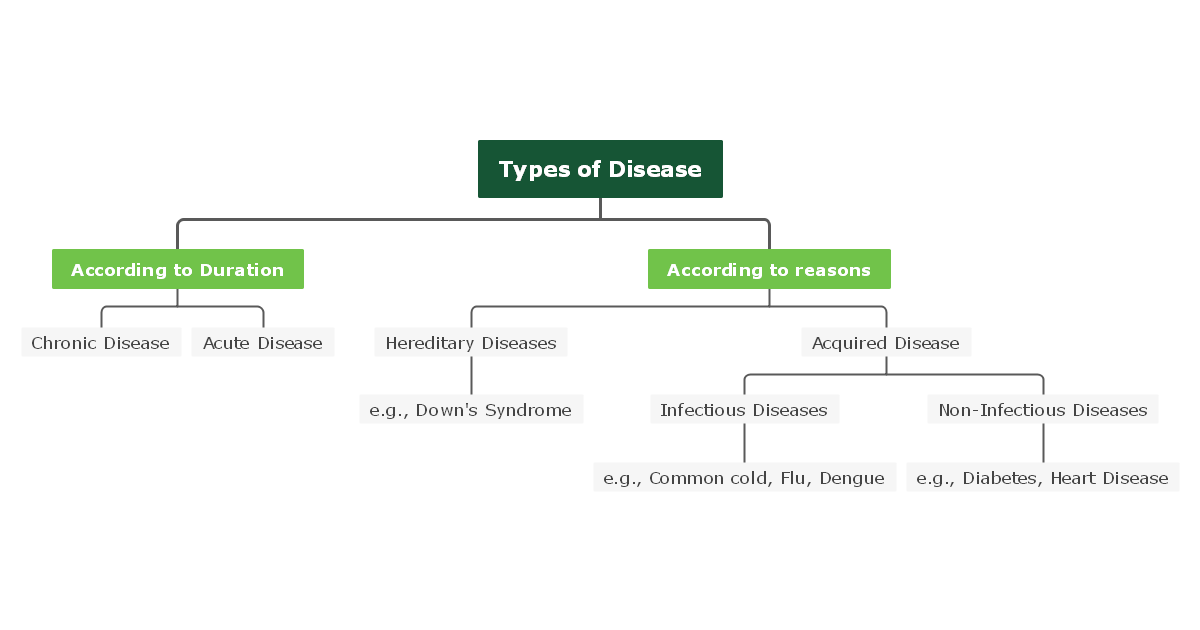
The four main types of diseases are deficiency diseases, psychological diseases, congenital diseases, and contagious and non-contagious diseases. Contagious and non-contagious diseases are also known as infectious and non-infectious diseases, which we will discuss further below.
Types of Disease
As mentioned above, there are several classifications of diseases; however, in this part, we will only discuss infectious and non-infectious diseases and their types.
1. Infectious Disease
Infectious diseases are caused by pathogens such as bacteria, viruses, or fungi that enter our body from a contaminated environment. These diseases are contagious, which means that they are easily transmitted from one person to another. The type of infectious disease, mode of transmission, and symptoms depend on respective pathogens. People with compromised immune systems are more likely to be affected by infectious diseases.
Examples of Infectious Disease
- Influenza
Influenza is a contagious respiratory infection caused by a virus. It is characterized by symptoms such as dry cough, sore throat, and runny nose. - COVID-19
COVID-19 is a virus that causes mild to acute respiratory illness or even death. The primary symptoms of this infection are cough, fever, and shortage of breath. - Tuberculosis
Tuberculosis is a bacterial infection that majorly attacks the lungs of the human body. The three stages of Tuberculosis are Primary Infection, Latent TB Infection, and Active TB Disease. - Athlete's Foot
Athlete's Foot is an infectious fungal disease that causes rashes on the feet. If you have a weak immune system, then you are more likely to be affected by this disease. - Pinworms
Pinworms are worms that cause an infection called enterobiasis. The symptoms of this disease are anal itching, sleeplessness, and vaginal itching.
2. Non-Infectious Disease
Non-infectious diseases are caused by various factors such as; environmental factors, lifestyle changes, and genetics. Also known as 'Chronic' diseases, they cannot transmit from one person to another. Non-infectious diseases are generally characterized as long-term acute diseases because they often result in rapid death. Non-infectious diseases usually do not have a cure.
Examples of Non-Infectious Disease
- Epilepsy
Epilepsy is a brain disorder that is characterized by repeated seizures. It has no prominent cause; however, it is reported to have a genetic influence in some cases. - Pulmonary Hypertension
It occurs when there is high blood pressure in pulmonary arteries supplying blood to the heart. It can cause heart failure if not treated on time. - Cystic Fibrosis
It is an inherited disorder that affects the cells in the lungs, liver, and other major organs. - Asthma
Asthma is a condition in which the airways to the lungs are blocked, and as a result, the patient suffers from breathing difficulties. - Coronary Heart Disease
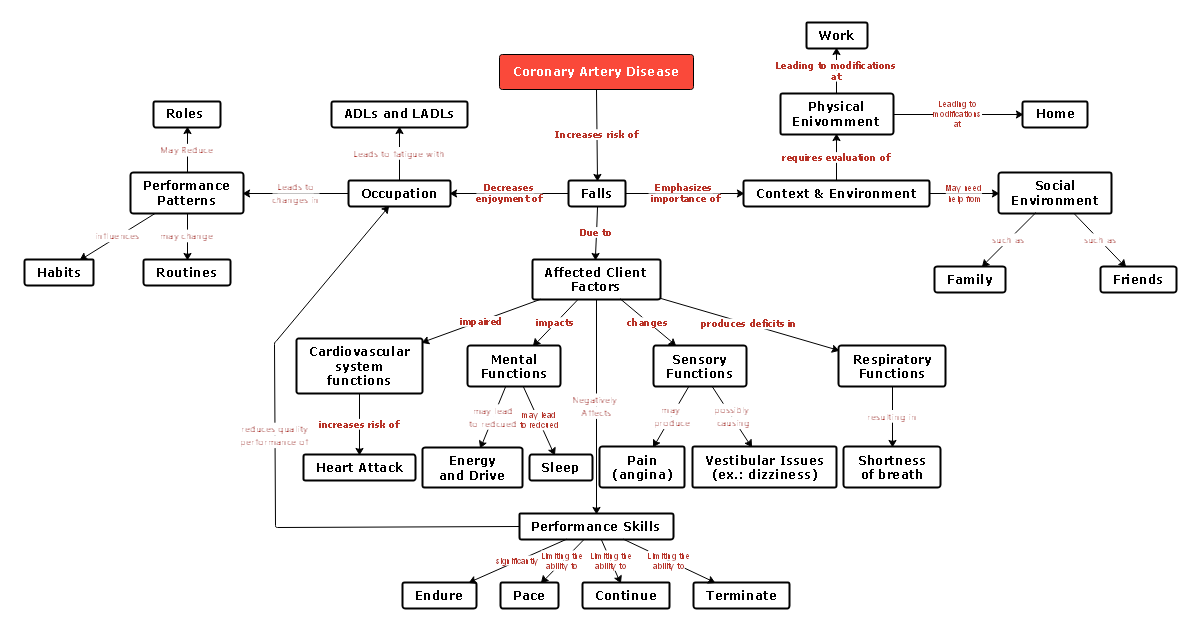
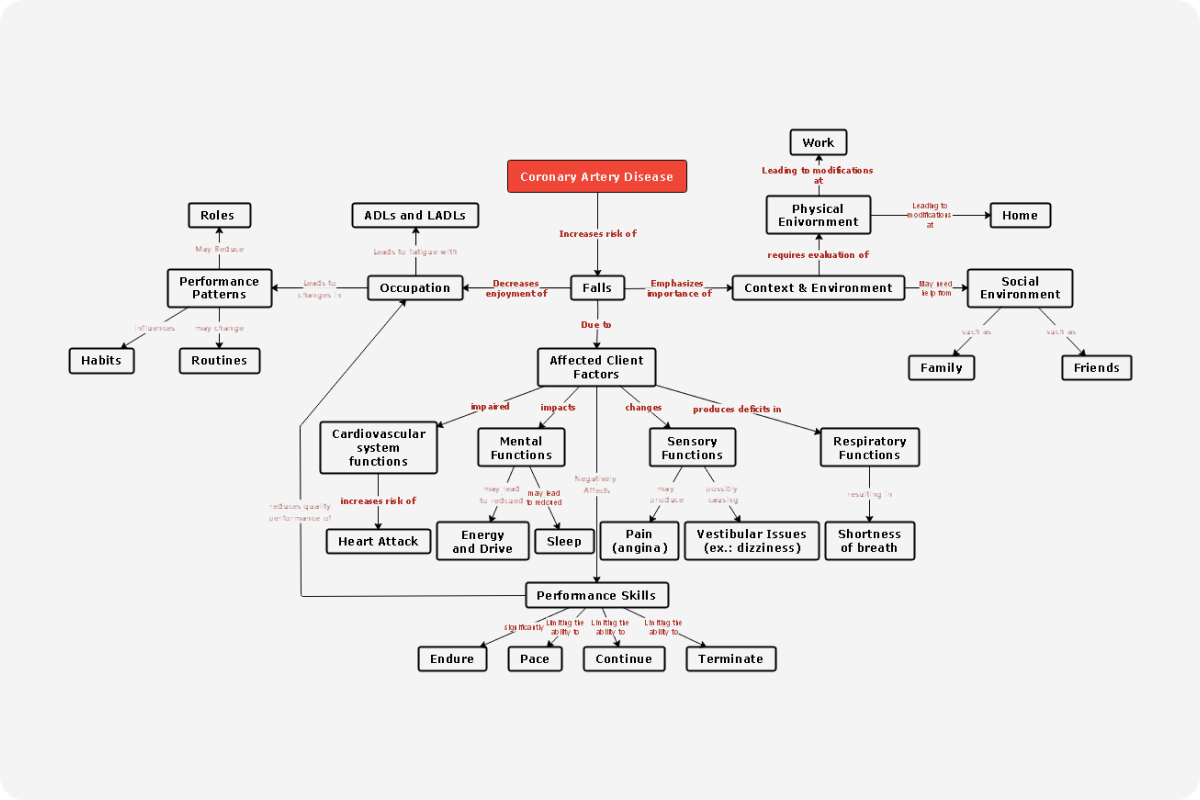
A condition in which the blood supply to the heart is blocked can eventually result in a heart attack.
Top 10 Causes of Death
Death is inevitable; however, there are some reasons that become the cause of death, which can arise from any probable organ or part of the body. In this part, we shall be reviewing some top causes of death as follows:
- Heart Disease
Heart disease refers to illnesses that affect the heart and pathway of blood vessels, such as heart arrhythmias, coronary artery disease, and a heart defect. Heart diseases are incurable and are characterized by symptoms such as shortness of breath or chest discomfort. - Cancer
The uncontrolled growth of abnormal cells in a body develops into cancer. Cancer is fatal; however, cancer diagnosed and treated at an early stage is more likely to be cured. - Chronic Lower Respiratory Disease
COPD, asthma, and pulmonary hypertension are the most common chronic respiratory diseases that affect the lungs. The leading cause of this disease is smoking because the smoking directory affects the lungs. - Stroke
A stroke occurs when the blood supply to the brain is restricted due to a blocked artery. In the absence of oxygenated blood flowing to the brain, the blood cells begin to die, and the person is at risk of death. - Alzheimer's
Alzheimer's disease is an incurable mental disorder that leads to memory loss and impairment of thought processes. Changing certain lifestyle choices along with early treatment can help with the treatment. - Diabetes
Diabetes refers to an insulin deficiency in the body. Untreated diabetes for a long-time result in the accumulation of glucose and fats in the body, leading to organ malfunction and heart disease. The most common type of diabetes is type-2 diabetes. - Pneumonia
Pneumonia is an infectious disease caused by a pathogen that results in lung inflammation. The severity of pneumonia can range from mild to acute, and the infection is usually treated by antibiotics. - Cirrhosis
It is a liver disease whereby scar tissues replace healthy tissues of the liver and cause permanent damage to the organ. This condition eventually leads to liver failure, which can be fatal. - Kidney Disease
Kidney disease is caused by diabetes or high blood pressure and occurs when the functioning of the kidneys is impaired. The disease is undetected until the last stage of disease; kidney failure. - Tuberculosis
Tuberculosis is a bacterial infectious disease that affects the lungs or any other part of the body, and the case of this disease is Mycobacterium Tuberculosis. It is characterized by cough and shortness of breath.