What is a cell cycle concept map?
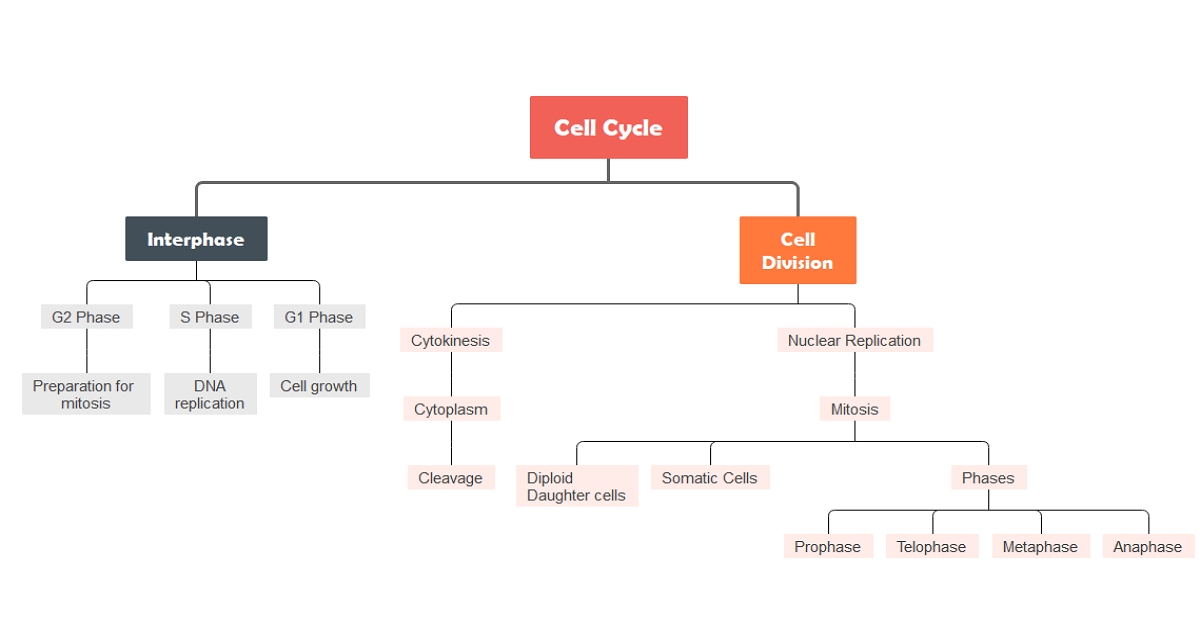
One of the complex concepts in biology is the cell cycle. It refers to the chain of events happening throughout a cell's life in preparation for cell division. It contains four stages wherein, in the G1 stage, the cell increases in size. DNA copying happens in Synthesis or S Stage, and it prepares to divide on the G2 stage. Then the division occurs in the Mitosis or M stage. The two daughter cells will also enter their interphase and enter their own cell cycle.
The different processes occurring in the cell cycle make it difficult for students to study this concept. However, visual representations such as concept maps can lessen the complexity of learning the cell cycle. Concept maps are especially beneficial to those students who learn better visually, but they can aid any learner. They help students chunk pieces of information based on connections.
Benefits of using a cell cycle concept map
Concept maps can be made in the form of diagrams, charts, flowcharts, and timelines. Depending on what tool you are comfortable using, creating a concept map is very easy. As you are about to study the cell cycle concept, here are some of the reasons why using a cell cycle concept map is the best way to do it.
- It assists you in organizing pieces of information in a logical format.
- It helps you develop logical thinking and better understand the connection of every node of the concept map.
- It shows you the bigger picture of what a cell cycle is all about.
- It enables you to quickly grasp the concept of the cell cycle rather than reading it from the book.
- It also allows you to track what ideas about the cell cycle you have yet to review or understand.
Cell Cycle Concept Map Templates
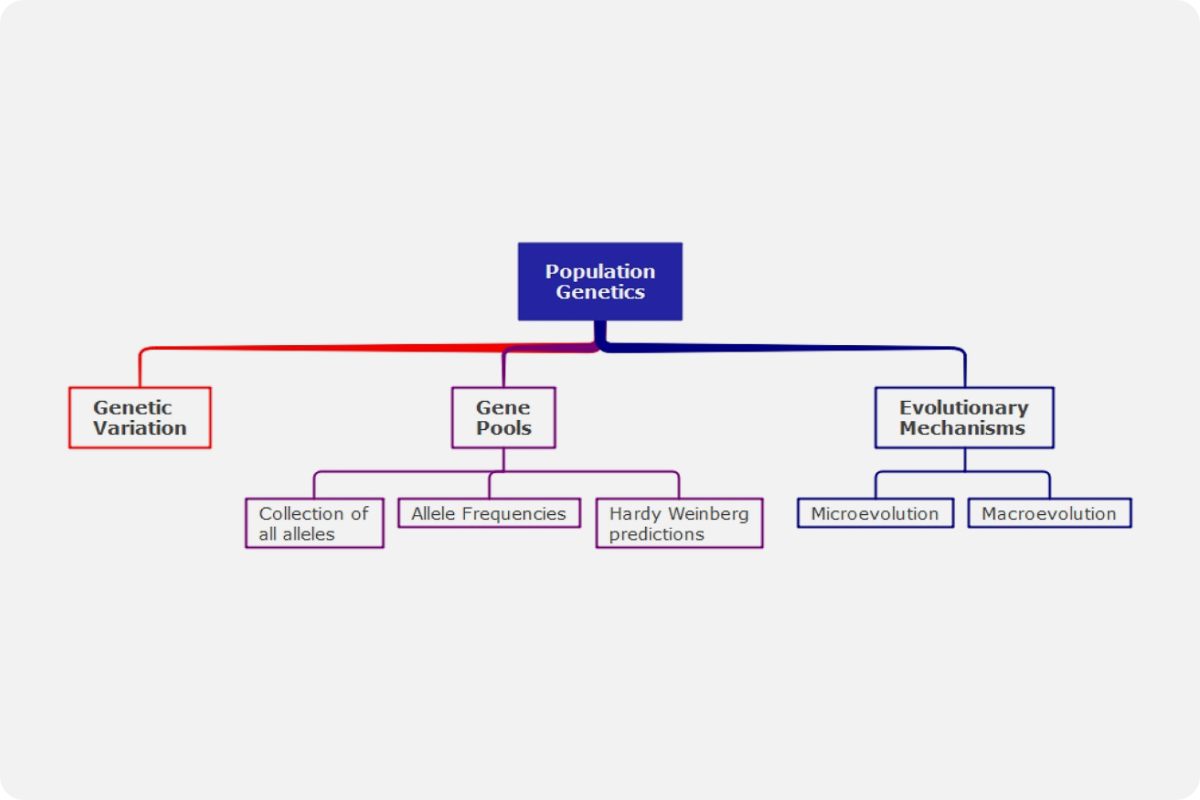
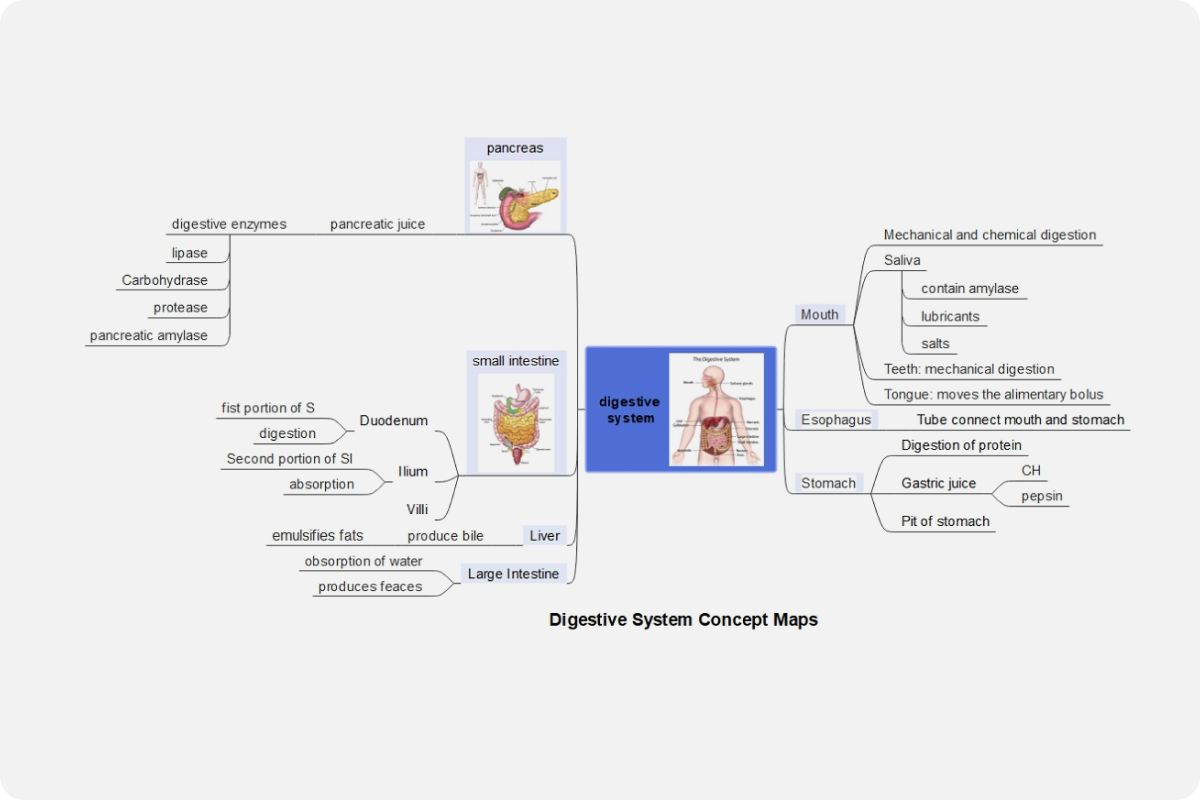
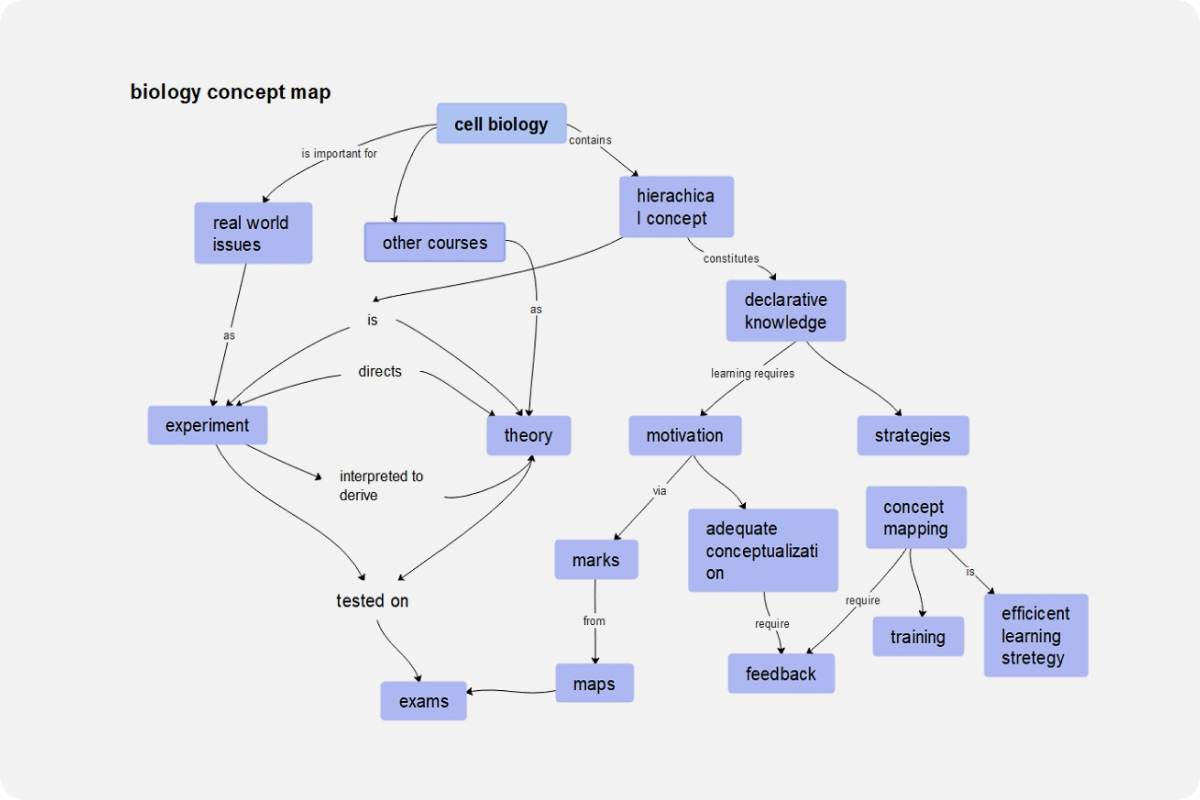
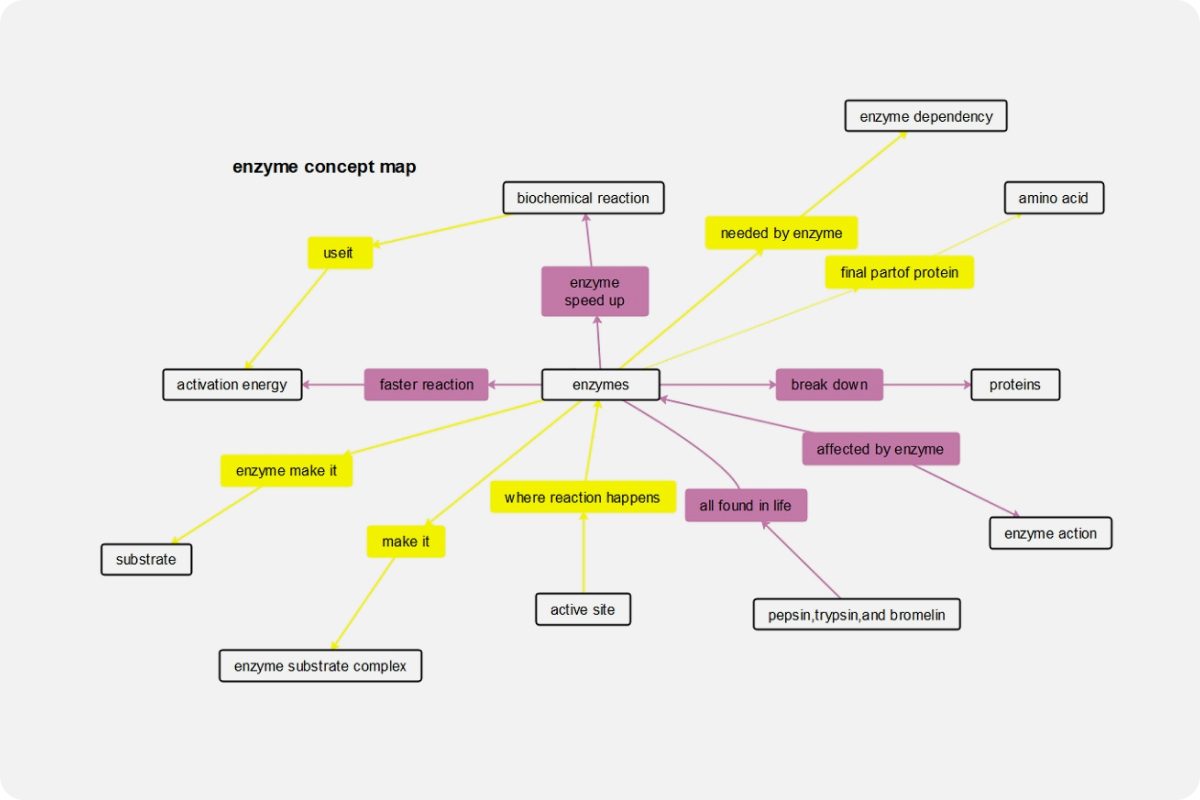
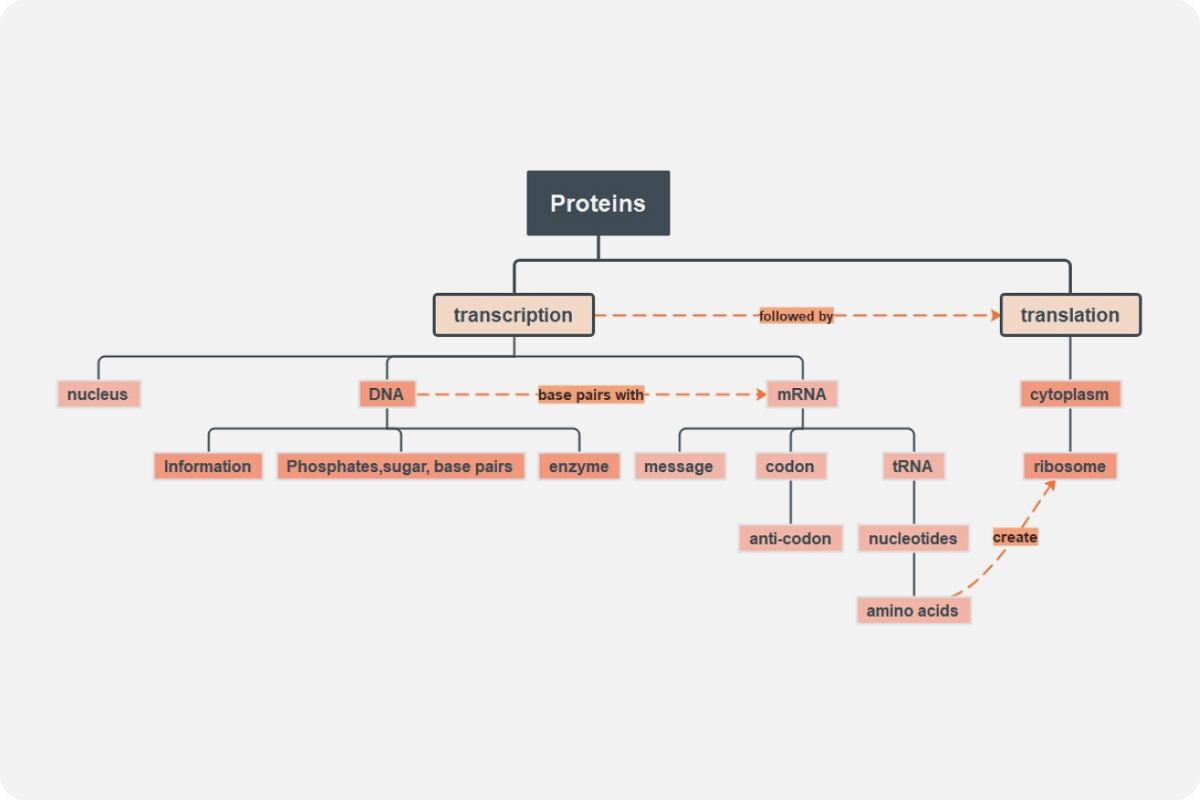
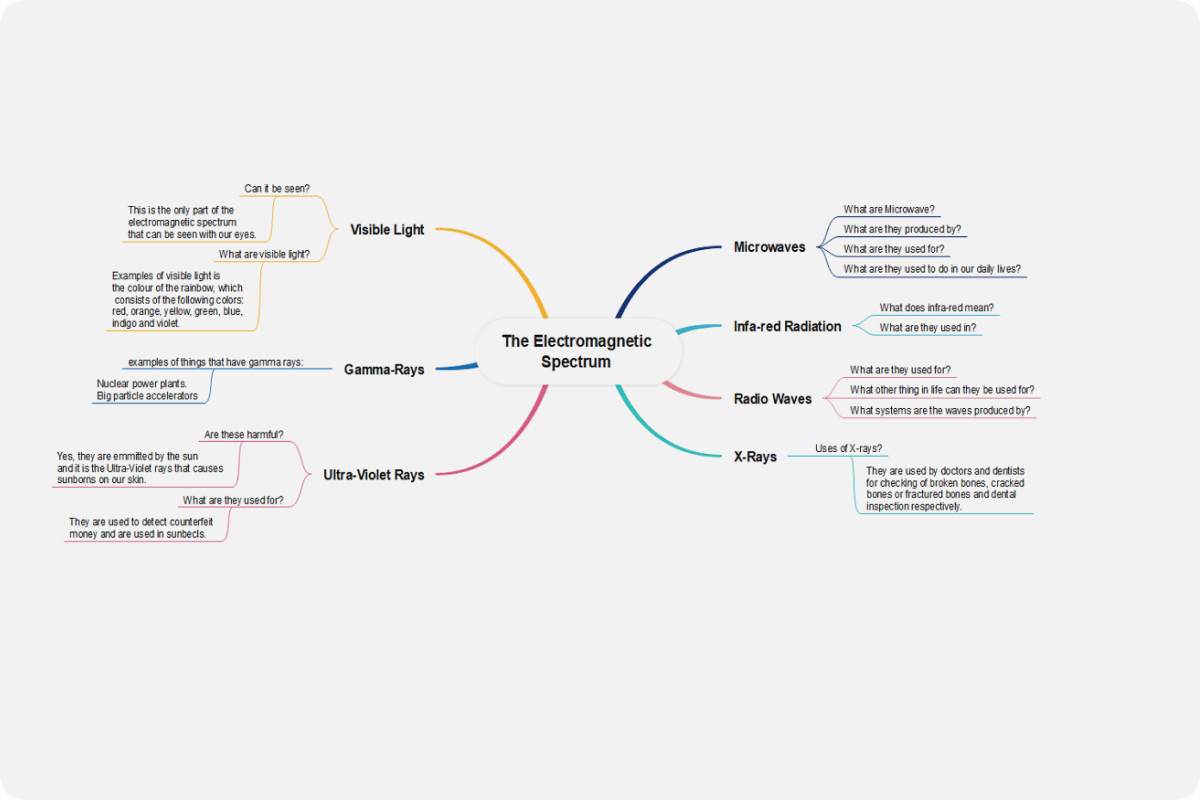
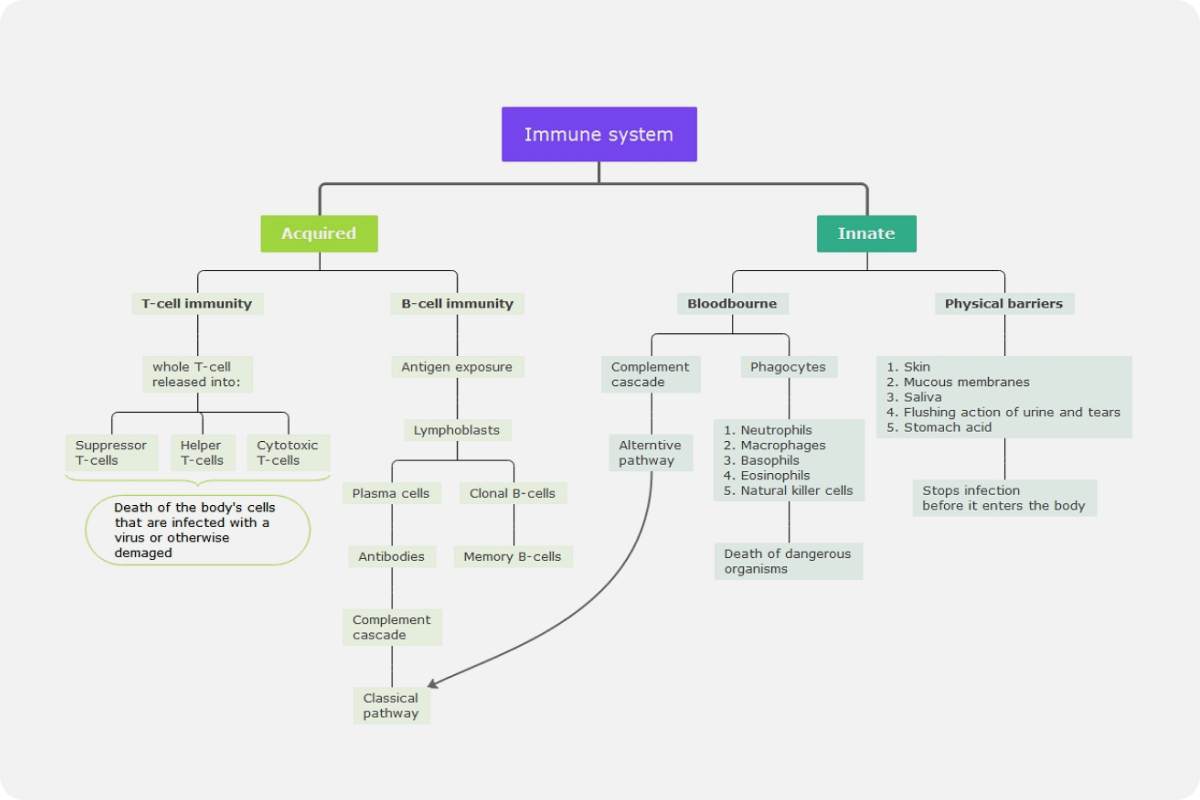
You can make and design a cell cycle concept map in a lot of ways. In a concept map, boxes, circles, or any other shapes usually represent a piece of information. They are also called nodes. Lines or arrows then connect those nodes to show how they are related to each other. Online software has a concept map design ready for you to use. But if you decide to design your own, here are some templates that can help you.
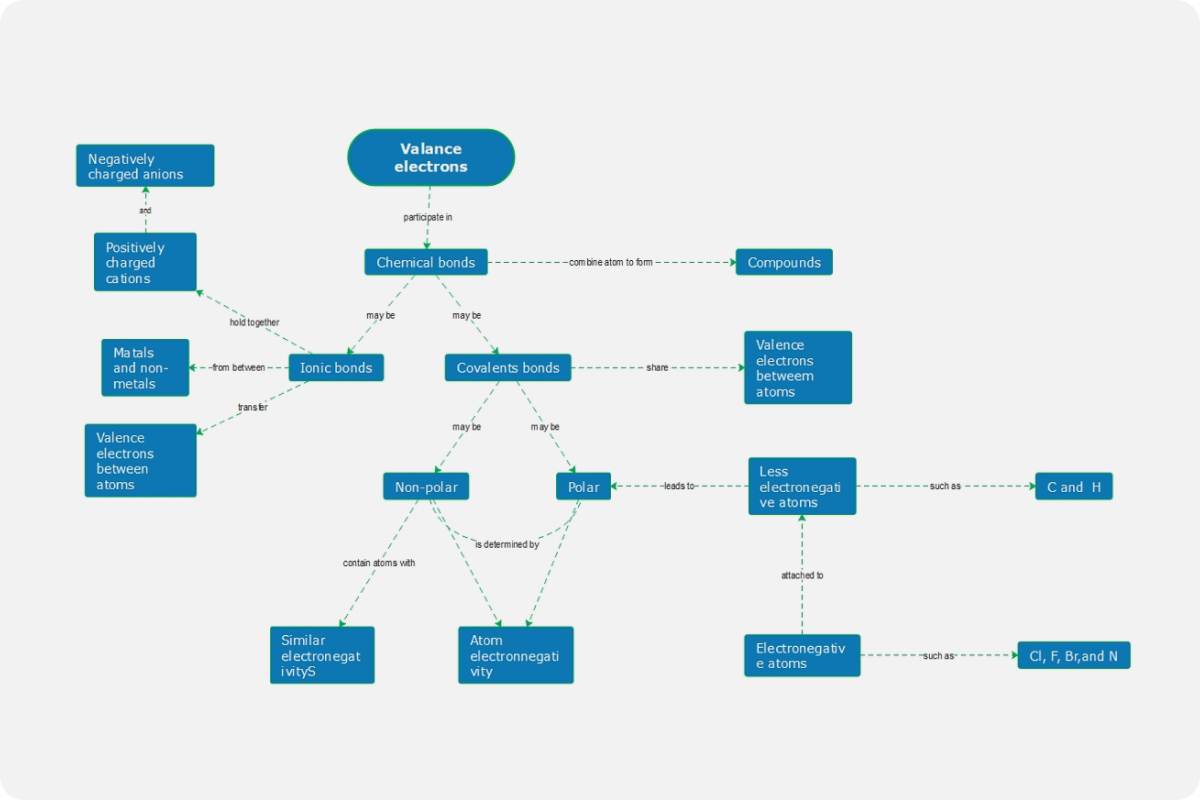
The first example below shows a very detailed cell cycle concept map. The author designed the concept map by using boxes as nodes and connecting them with arrowheads. Aside from that, you can also notice that there are words or phrases inserted in lines that make reading it from node to node more understandable.