About Roadmap Template
Successful people create roadmaps for their work projects to have a clear vision in front of them. Roadmaps help you to analyze the milestones, targets, strategies, and directions to accomplish the desired goal in a well-determined manner. You can plan the strategic methods to overcome difficulties by crafting a roadmap template before beginning your project.
This article will shed light on multiple free roadmap templates that you can use according to your desired goals. Moreover, we will suggest high-end software EdrawMind that can create accurate roadmaps in lesser times.
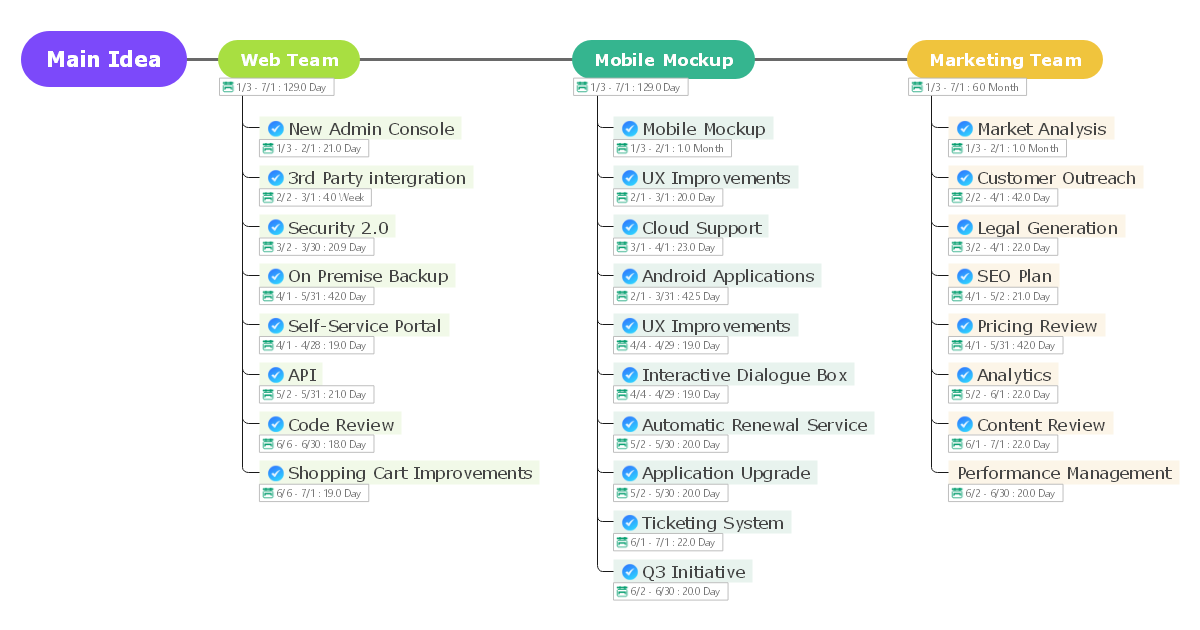
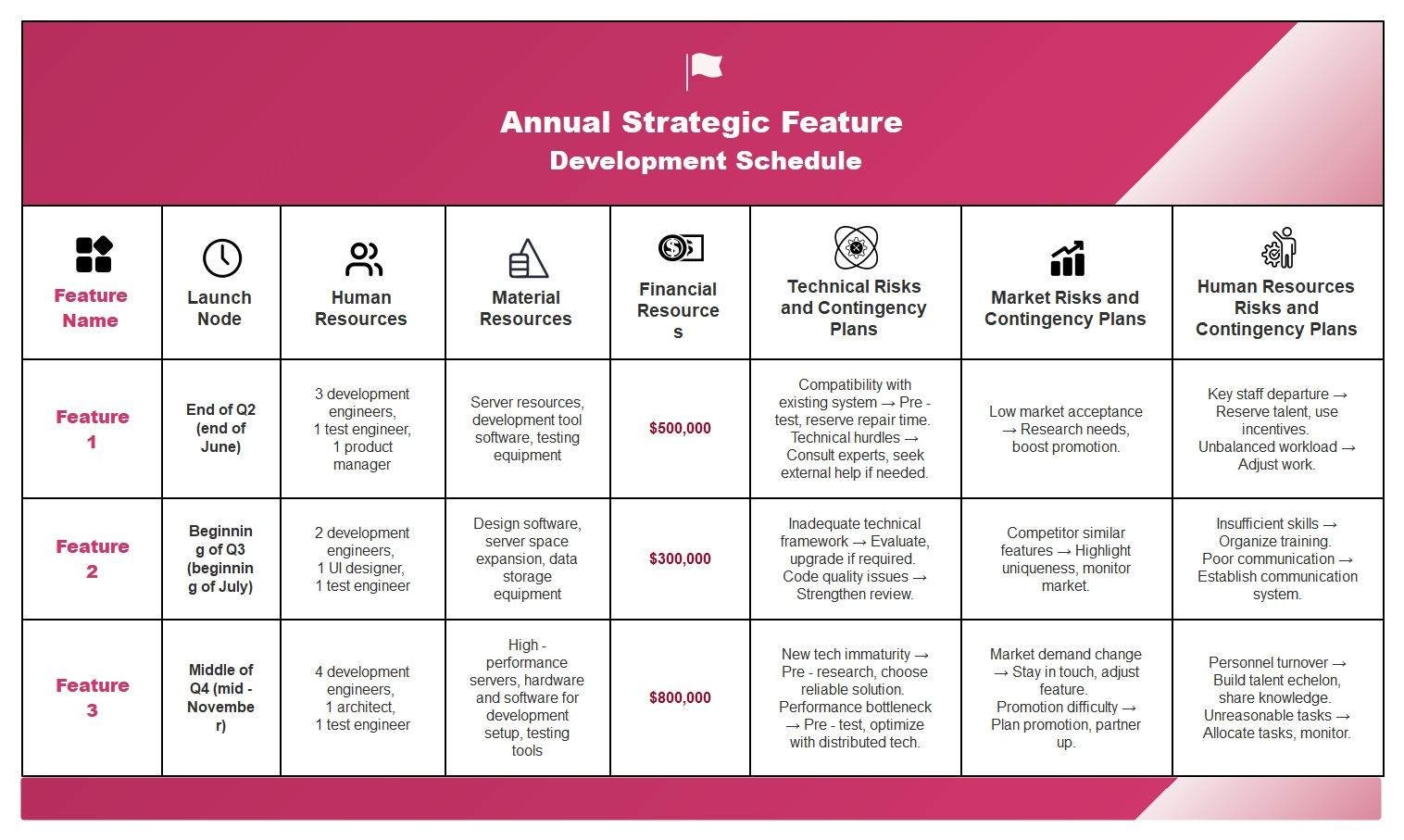
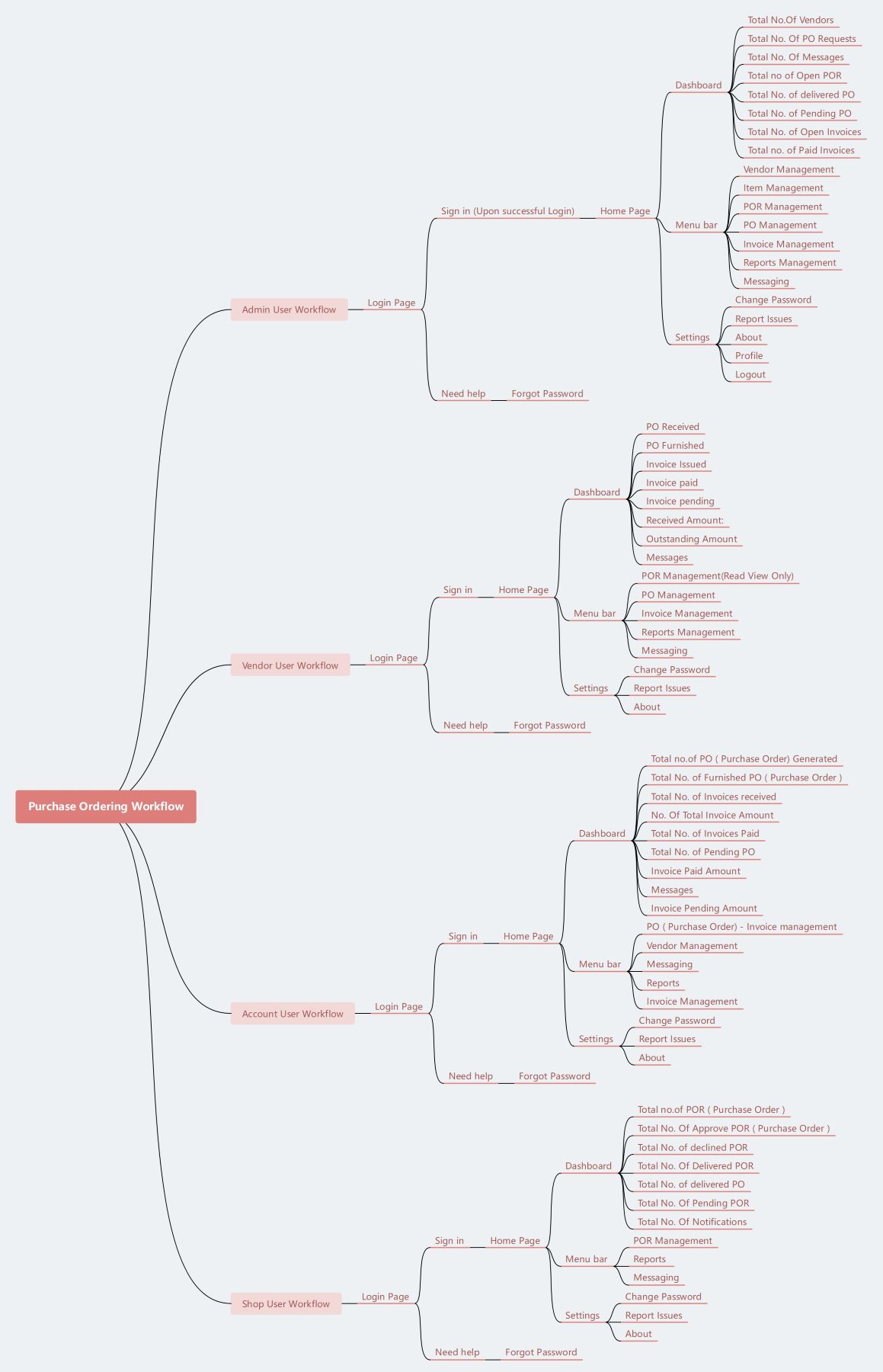
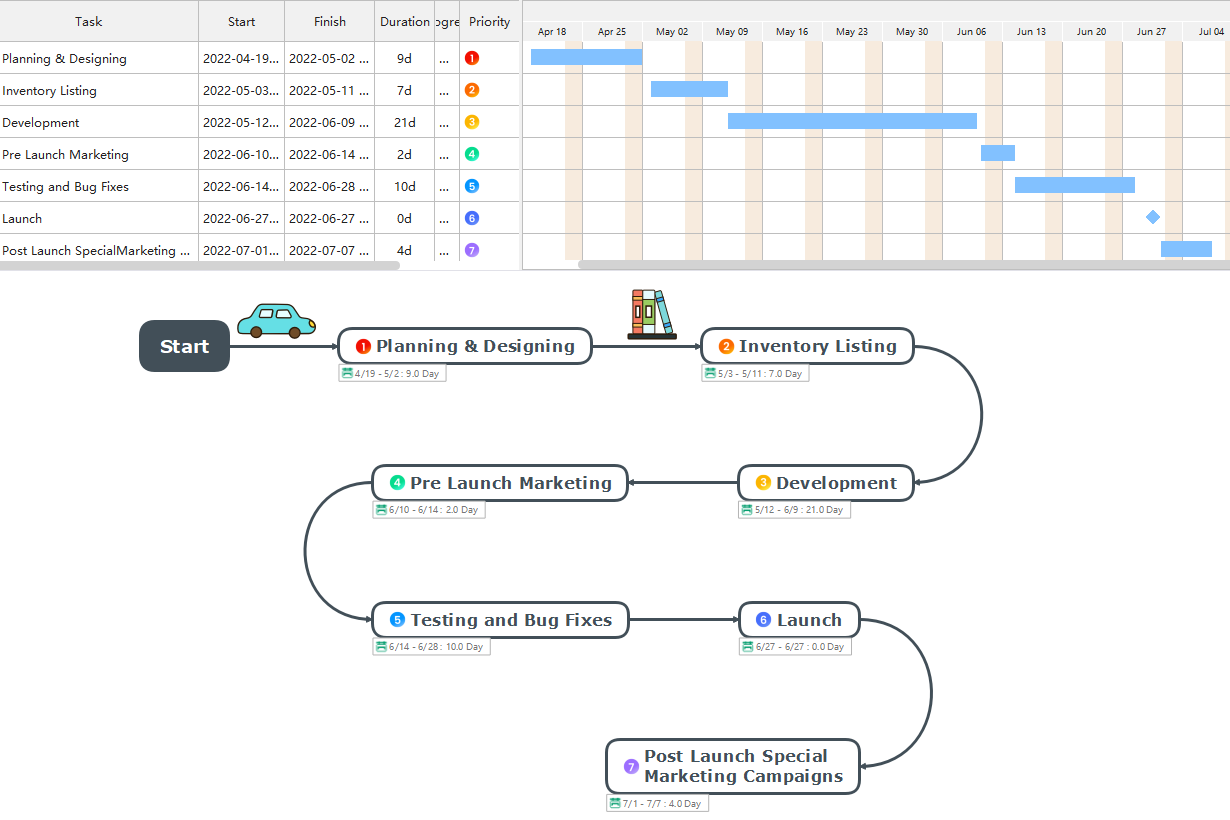
A product roadmap template can help you in addressing the future vision of your launching product. You can list down the features, important aspects, and dependencies of your product in the roadmap. Through this template, you can find a clear direction of your product's progress and key factors.
The marketing department of your product launch can also find this roadmap template helpful in planning the marketing strategies efficiently. Thus, to launch and endorse your product successfully, you must use this roadmap template for bigger achievements.
The marketing department of your product launch can also find this roadmap template helpful in planning the marketing strategies efficiently. Thus, to launch and endorse your product successfully, you must use this roadmap template for bigger achievements.
2. Project Roadmap Template
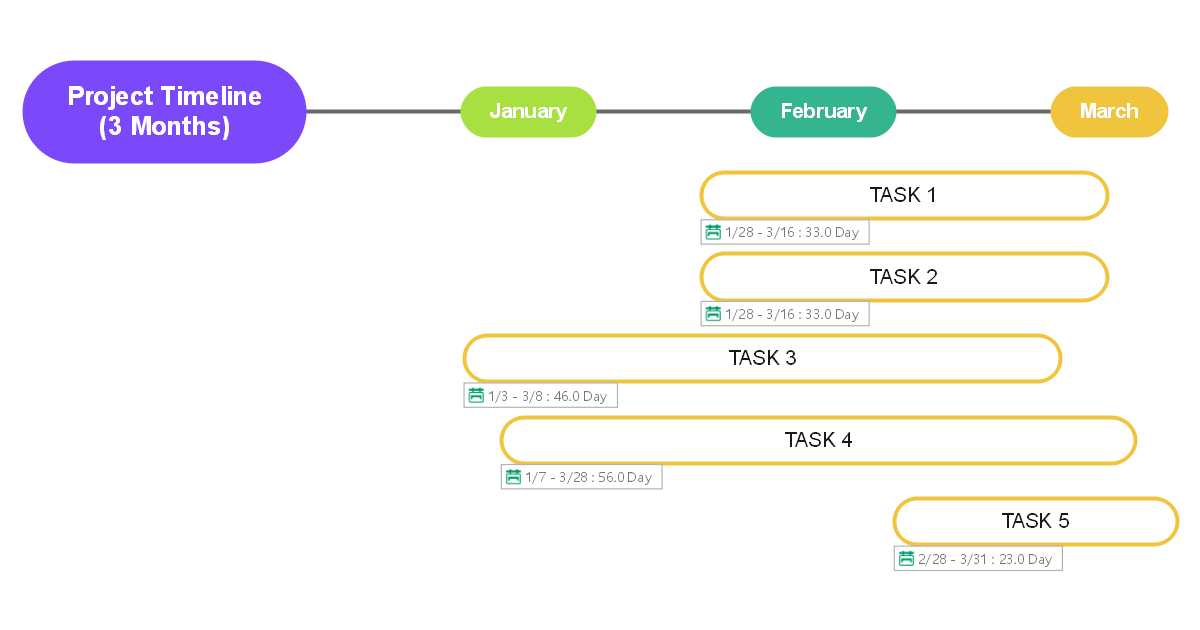
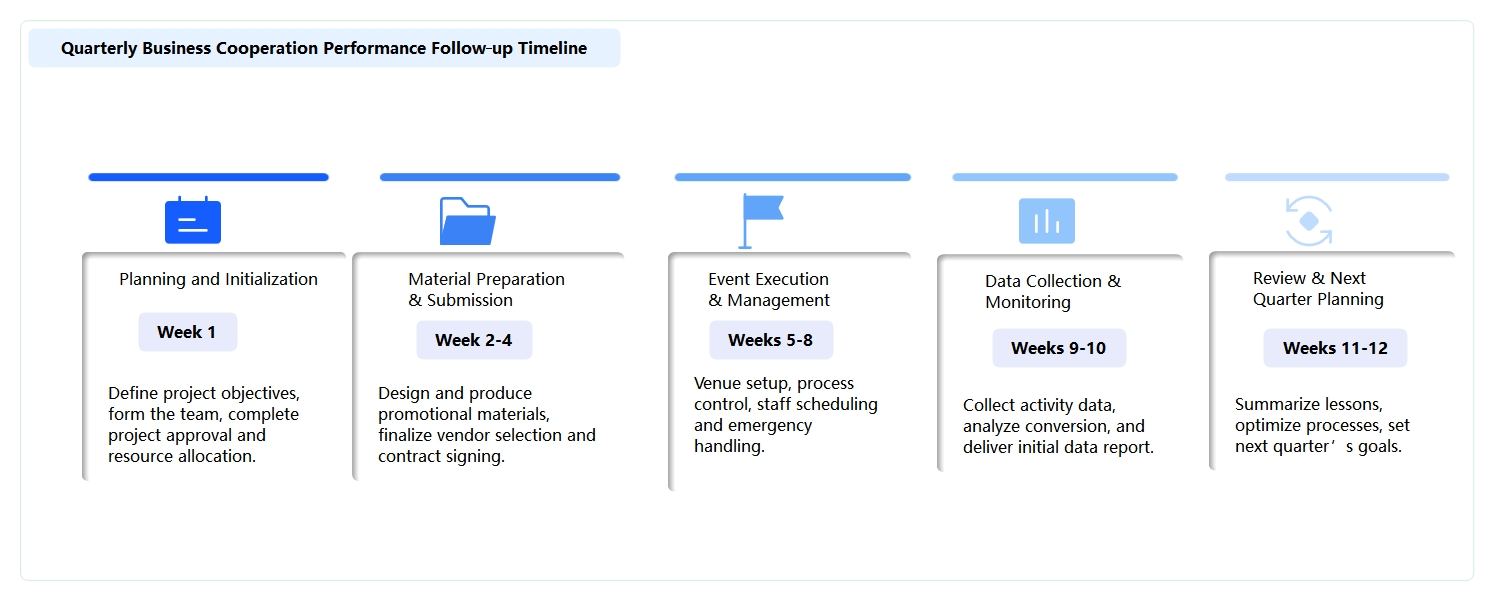
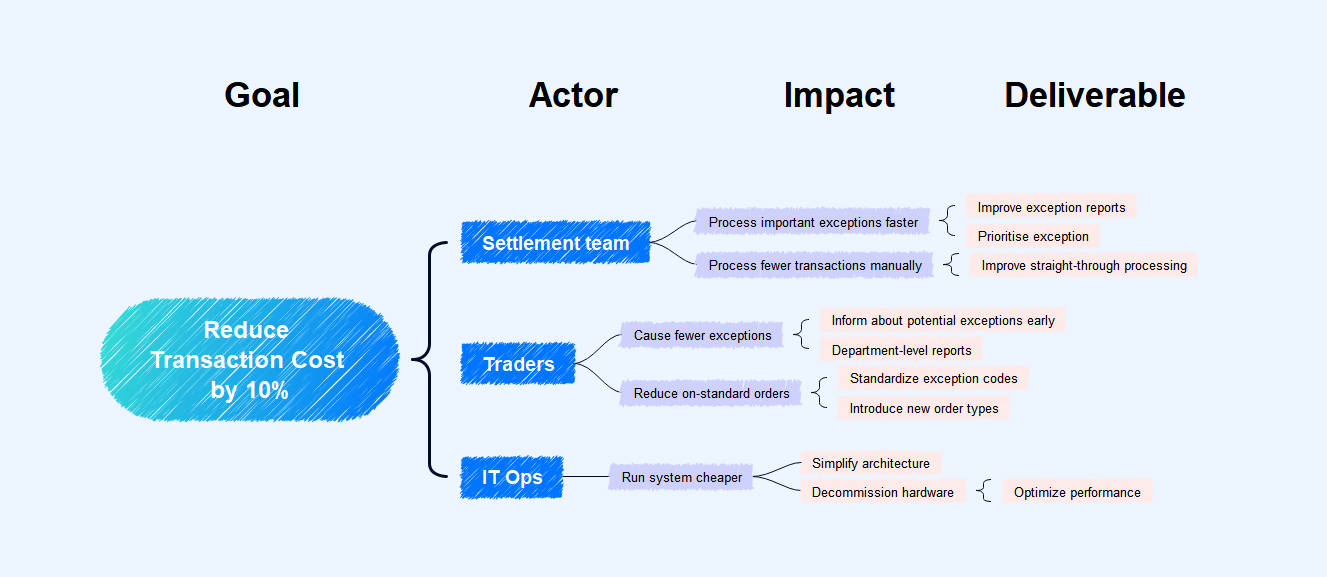
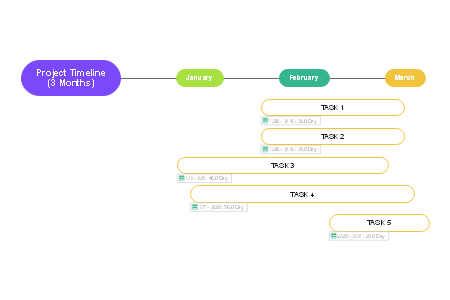
Project roadmap templates can help you to create and plan a brief structure of your work project. Through this roadmap template, you can easily communicate with your project's stakeholders to discuss the expected hurdles. It can improve your work efficiency through which you can achieve the set targets smoothly and in a timely manner.
3. Strategy Roadmap Template
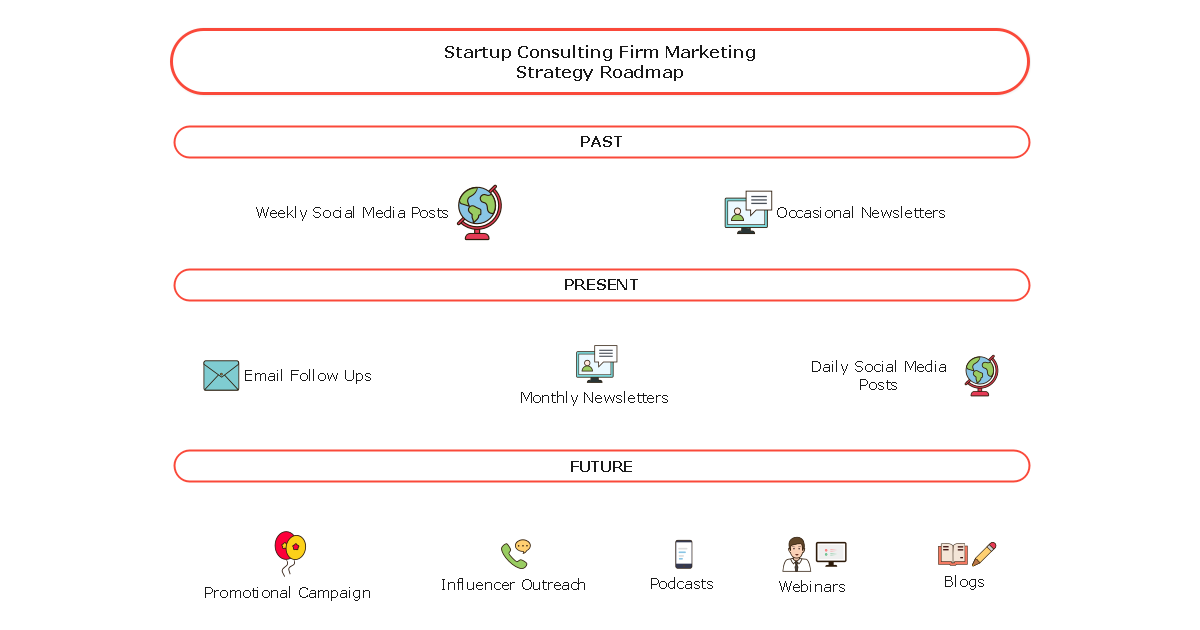
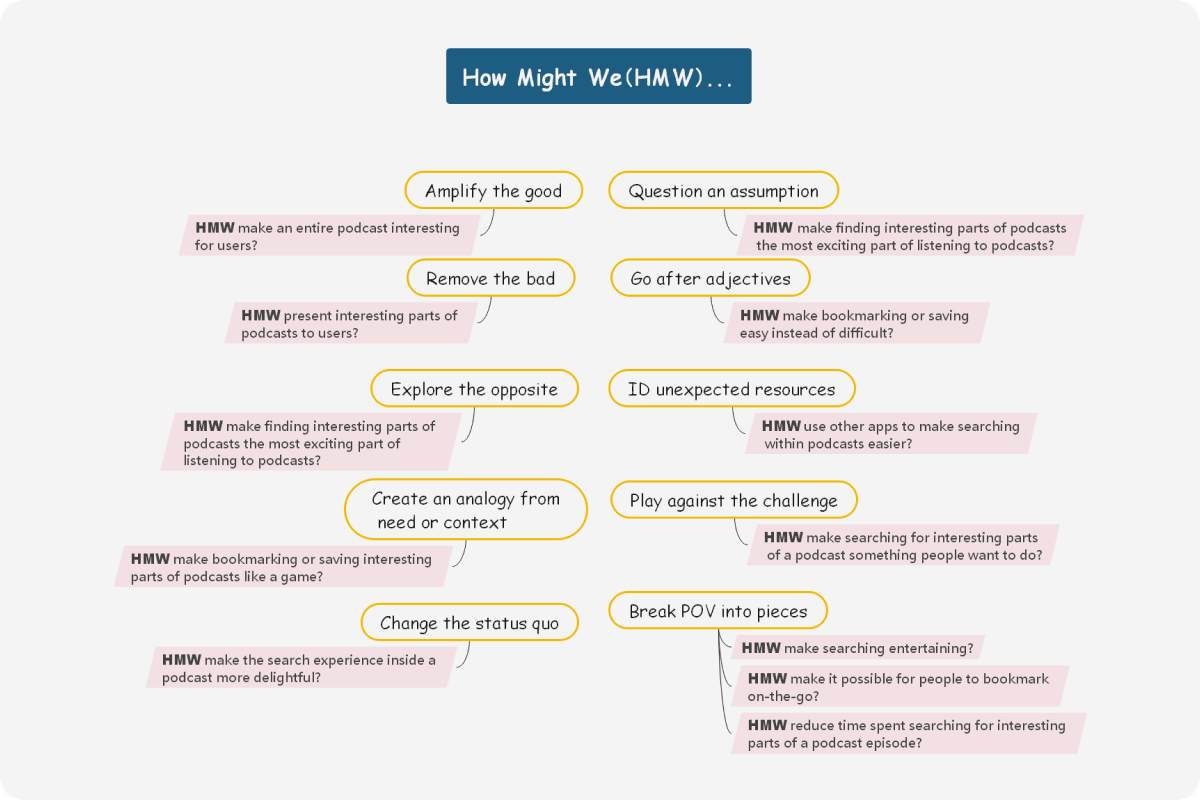
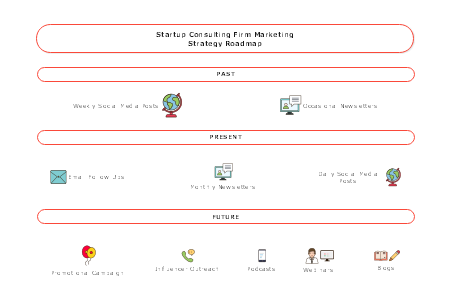
It can be tricky and difficult to make your team understand the complex issues of any particular project. For this, you would need a strategy roadmap template in which you can highlight your hurdles and the respective strategies to overcome them. You can develop a relationship between the determined strategy and execution through this roadmap template. Moreover, your team would be able to comprehend the ongoing difficulties through the crafted roadmap easily.
4. Technology Roadmap Template
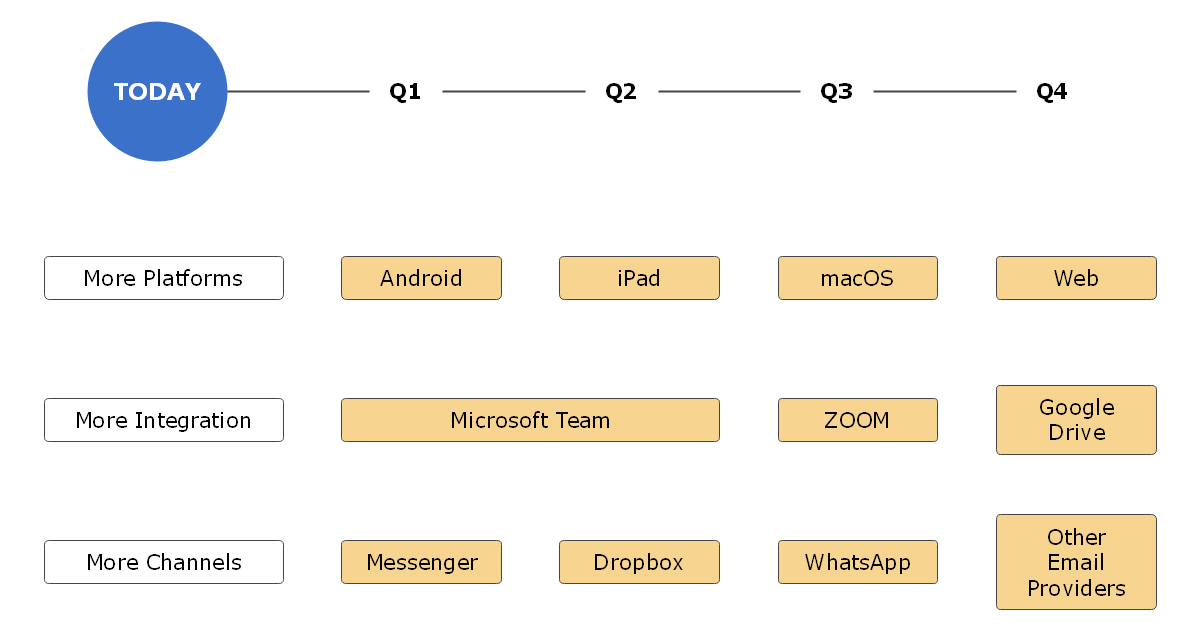
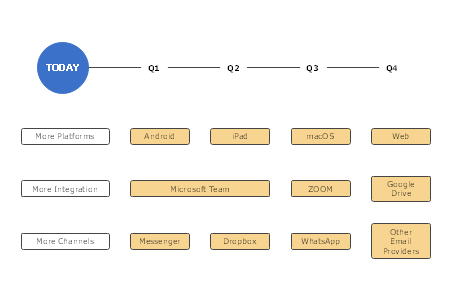
A technology roadmap template can help you visualize the adopted technology for a particular company or organization. This will help your management team understand the available technological solutions and their current applications. Furthermore, you can add colorful graphic designs, illustrations, and tables to make your roadmap exciting and understandable.
5. Business Roadmap Template
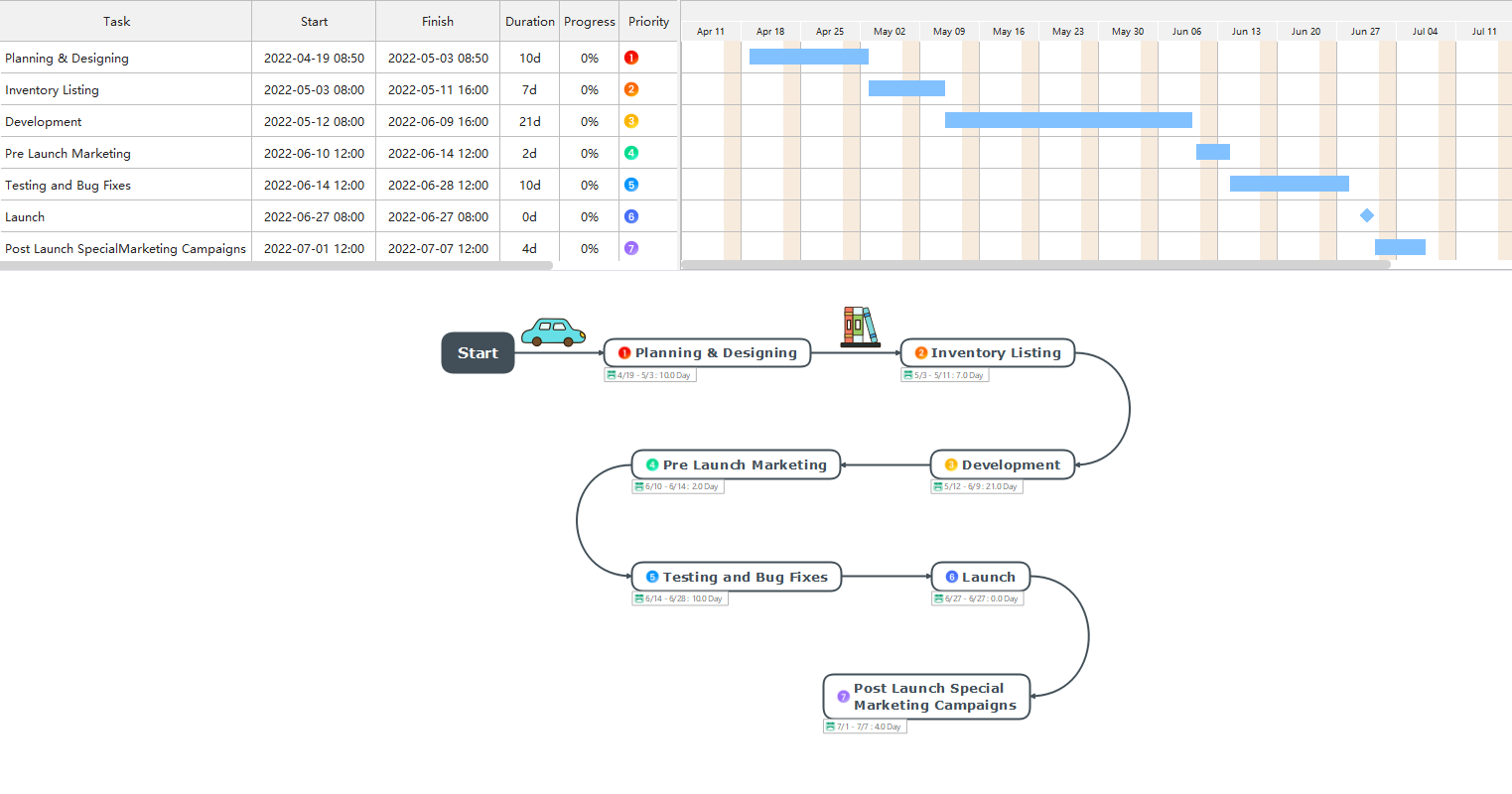
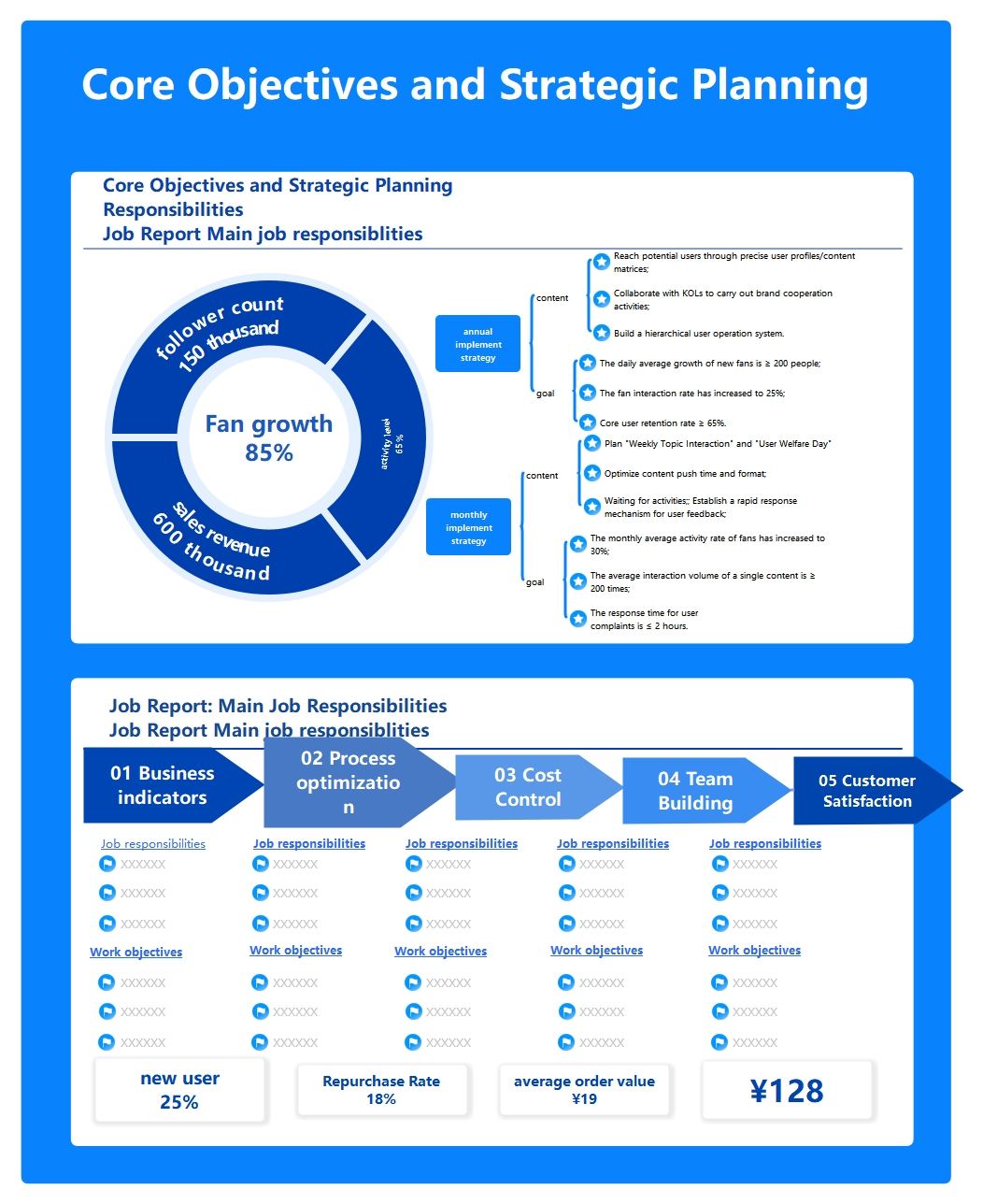
To set the pre-determined goals and objectives of your business, a business roadmap template can assist you in a great way. You can easily design multiple phases and tasks according to the departments involved in your business through the roadmap. Business roadmap templates are also visually pleasing that can help the investors to learn about your business's deliverable factors and the respective objectives.