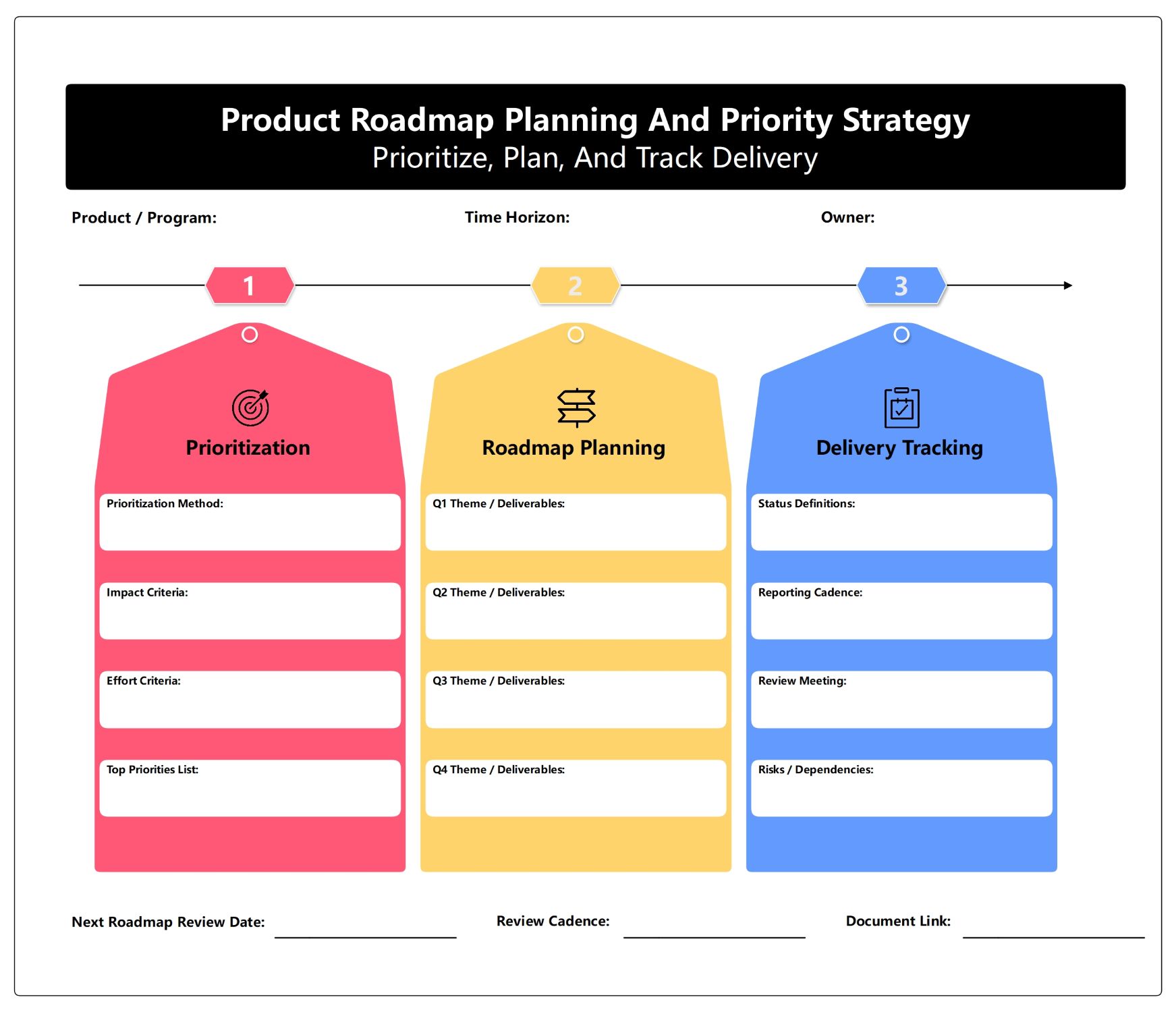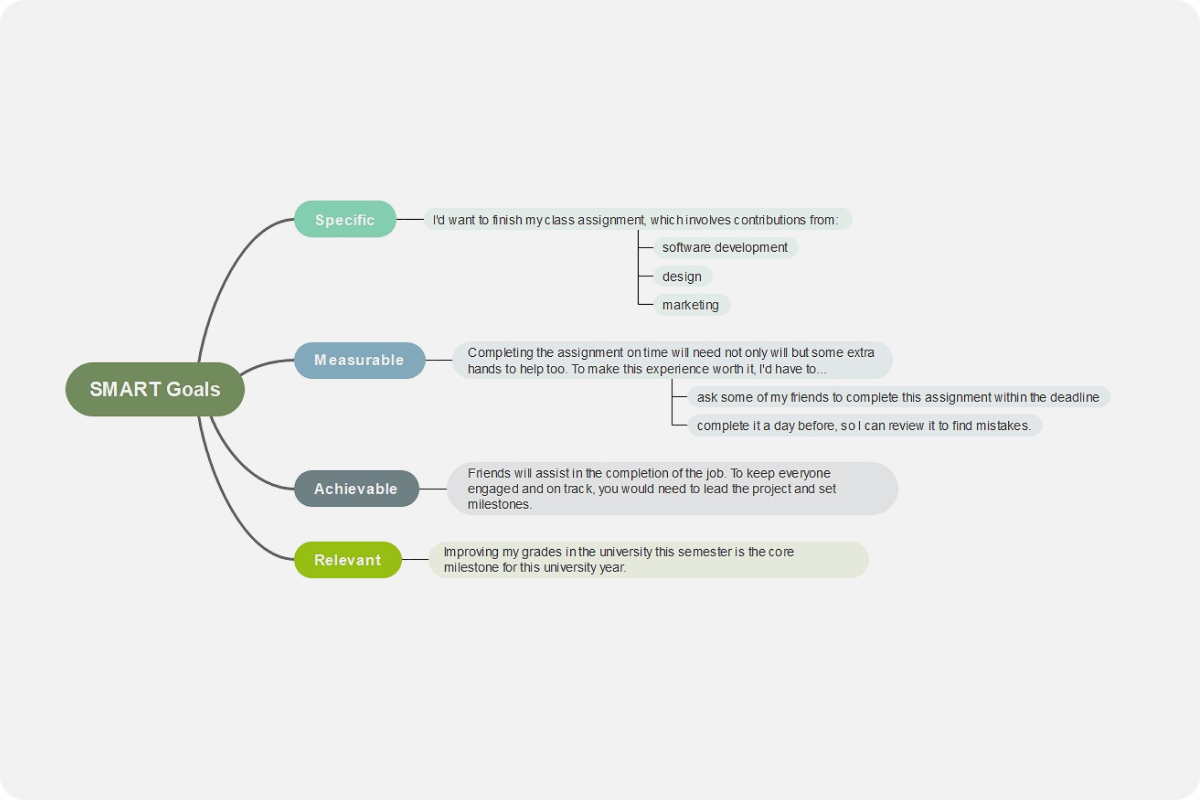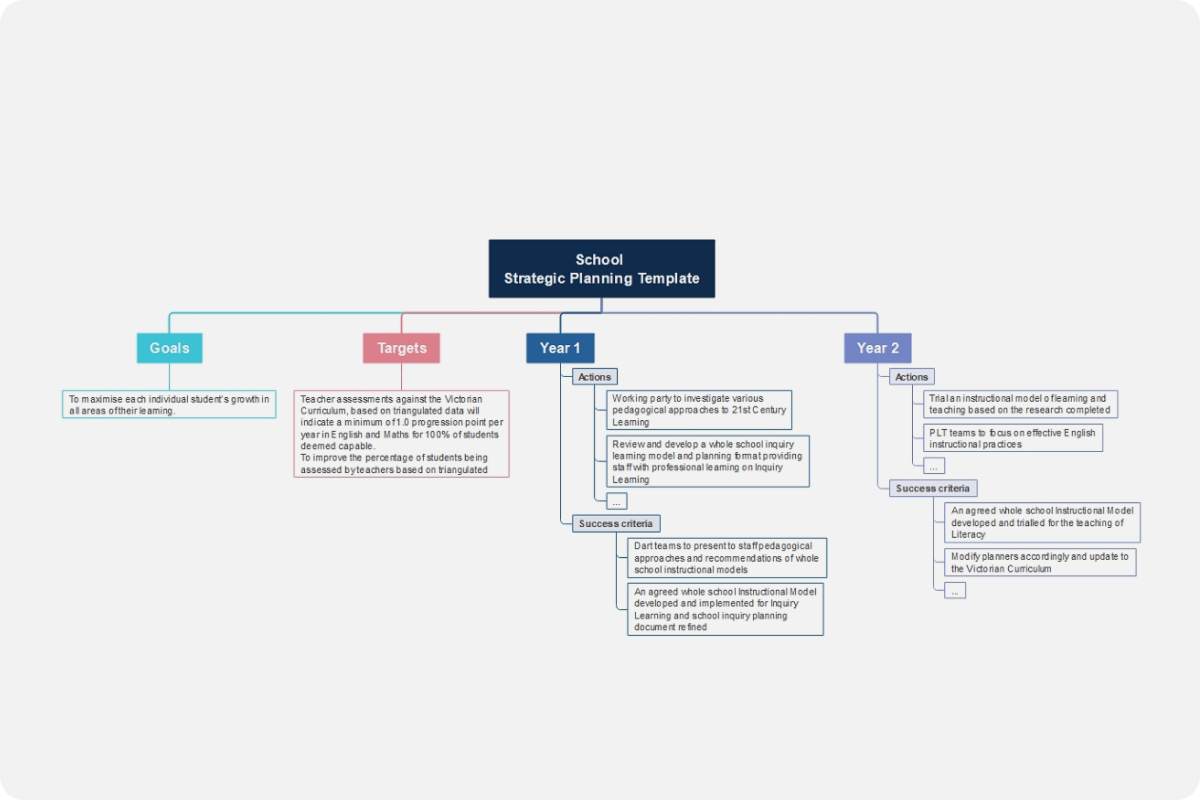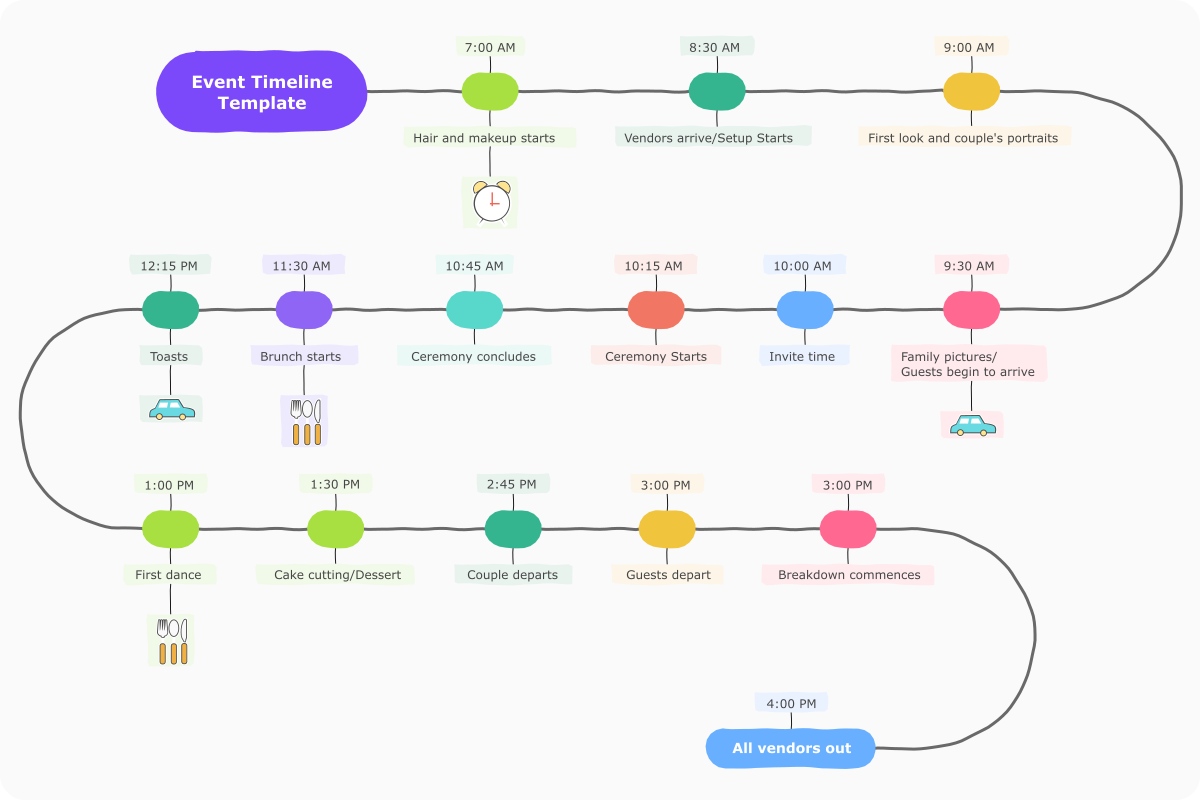
About this Weekly User Feedback Management Process template
This template provides a clear roadmap for handling customer input every week. It guides teams through five essential stages. Use it to streamline your workflows, ensure accountability, and transform raw feedback into actionable product improvements.
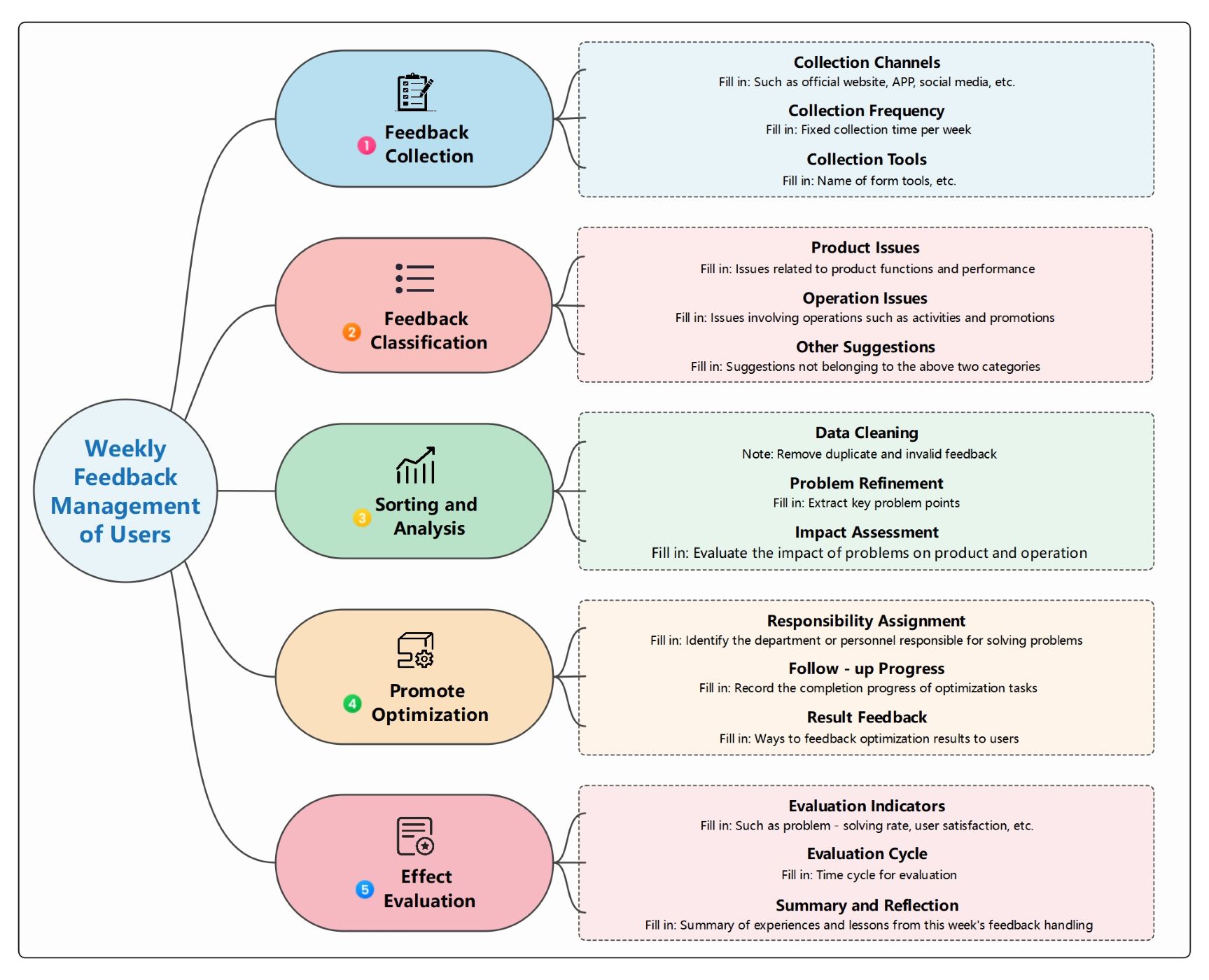
Feedback Collection
The first stage involves gathering data from various sources consistently. Setting specific channels and times ensures a steady stream of information. This step builds the foundation for understanding what your users truly need and want.
- Collection Channels
- Collection Frequency
- Collection Tools
Feedback Classification
Categorizing feedback helps teams direct issues to the right departments quickly. By grouping comments into product, operational, or general suggestions, you can prioritize tasks effectively. This organization prevents confusion and speeds up the resolution process.
- Product Issues
- Operation Issues
- Other Suggestions
Sorting and Analysis
This phase focuses on cleaning raw data to find high-impact problems. Teams refine issues and assess how they affect the product. It allows for deeper insights into recurring themes that require immediate attention or long-term planning.
- Data Cleaning
- Problem Refinement
- Impact Assessment
Promote Optimization
After analysis, the team assigns responsibilities and tracks the progress of fixes. This stage turns insights into real changes. Keeping a record of optimization tasks ensures that every identified problem is actively being solved.
- Responsibility Assignment
- Follow-up Progress
- Result Feedback
Effect Evaluation
The final step measures the success of the changes made. By reviewing key metrics and reflecting on the process, teams can improve their methods. This continuous loop ensures the management process stays efficient and results-driven.
- Evaluation Indicators
- Evaluation Cycle
- Summary and Reflection
FAQs about this Template
-
Why is a weekly cycle better than a monthly one for user feedback?
A weekly cycle allows teams to respond to critical bugs and user frustrations much faster. Monthly reviews often result in outdated information or missed opportunities to fix issues before they escalate. By checking feedback every week, you maintain a tighter loop between the user and the developer, leading to higher customer trust and more agile product development.
-
How do you prioritize which feedback to act on first during analysis?
Prioritization should be based on the impact assessment step in the process. Look for issues that affect a large number of users or prevent core features from working correctly. High-frequency complaints or security risks always take precedence. By weighing the severity against the resources required, you can create a balanced roadmap that addresses the most urgent needs first.
-
What are the best tools to use for collecting user feedback effectively?
Effective tools include in-app survey widgets, dedicated feedback boards, and social media monitoring tools. For internal management, spreadsheet software or project management tools like Jira and Trello work well. The goal is to choose tools that integrate easily with your existing workflow, allowing your team to capture, categorize, and track feedback without manual data entry errors.