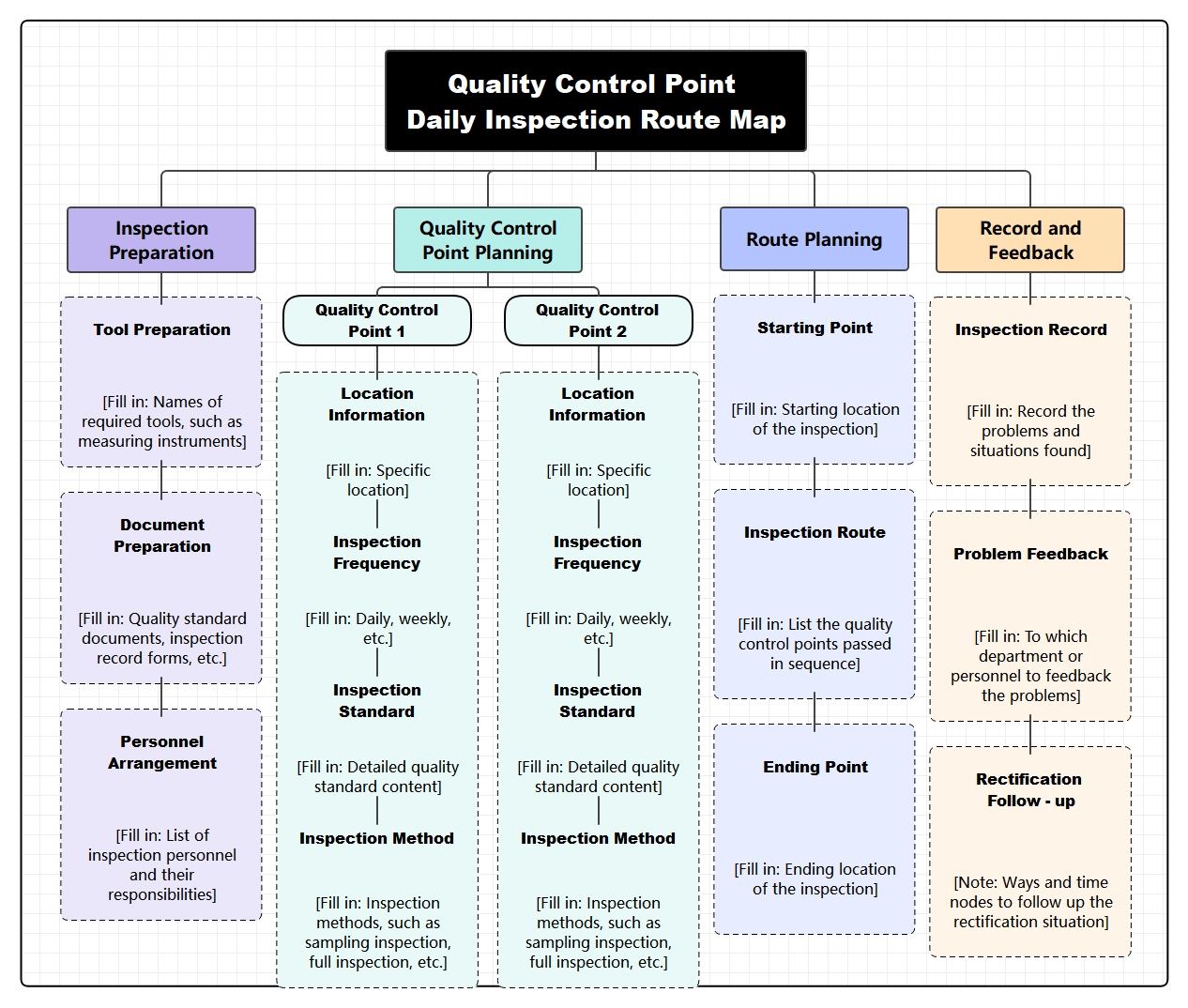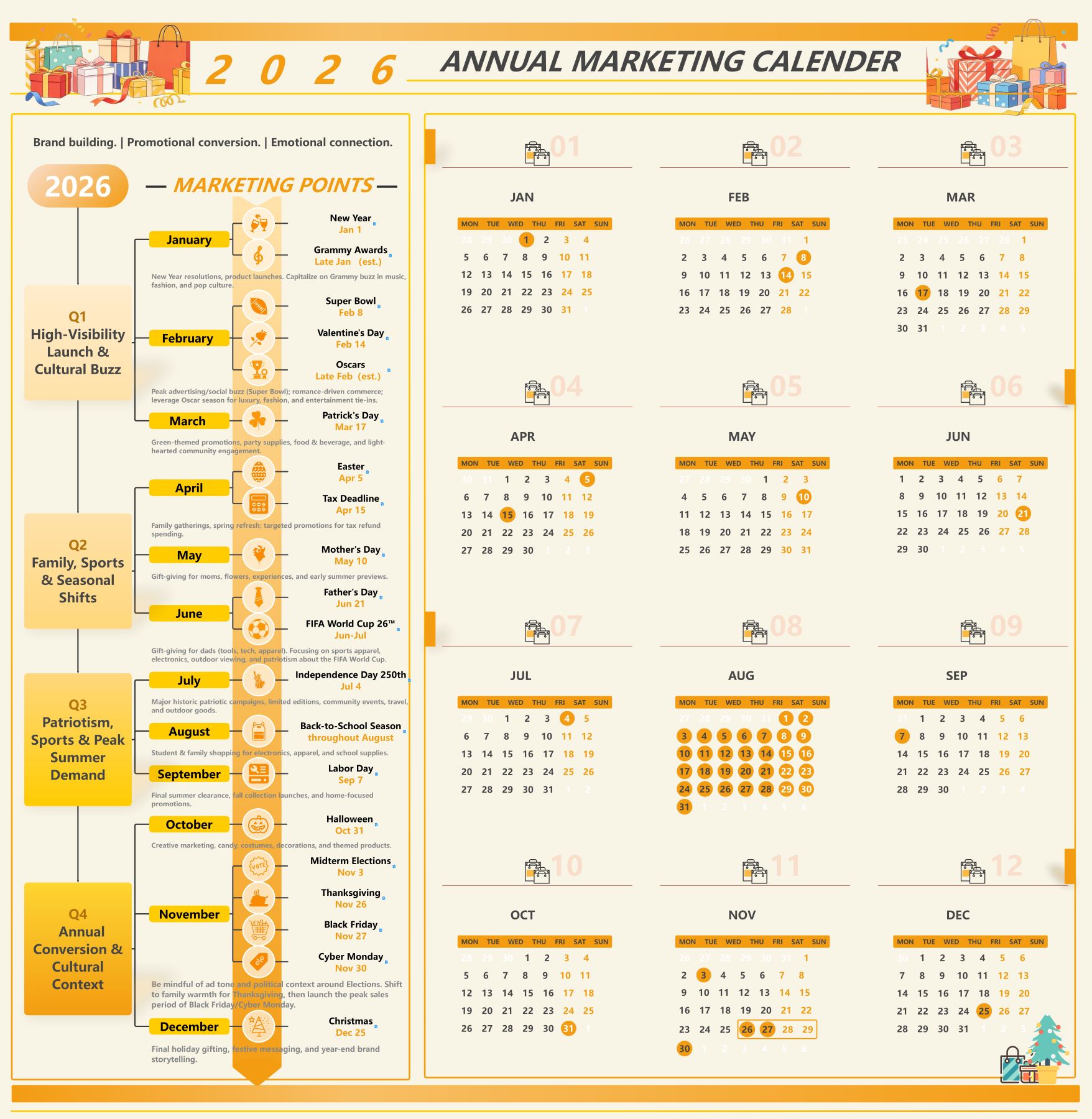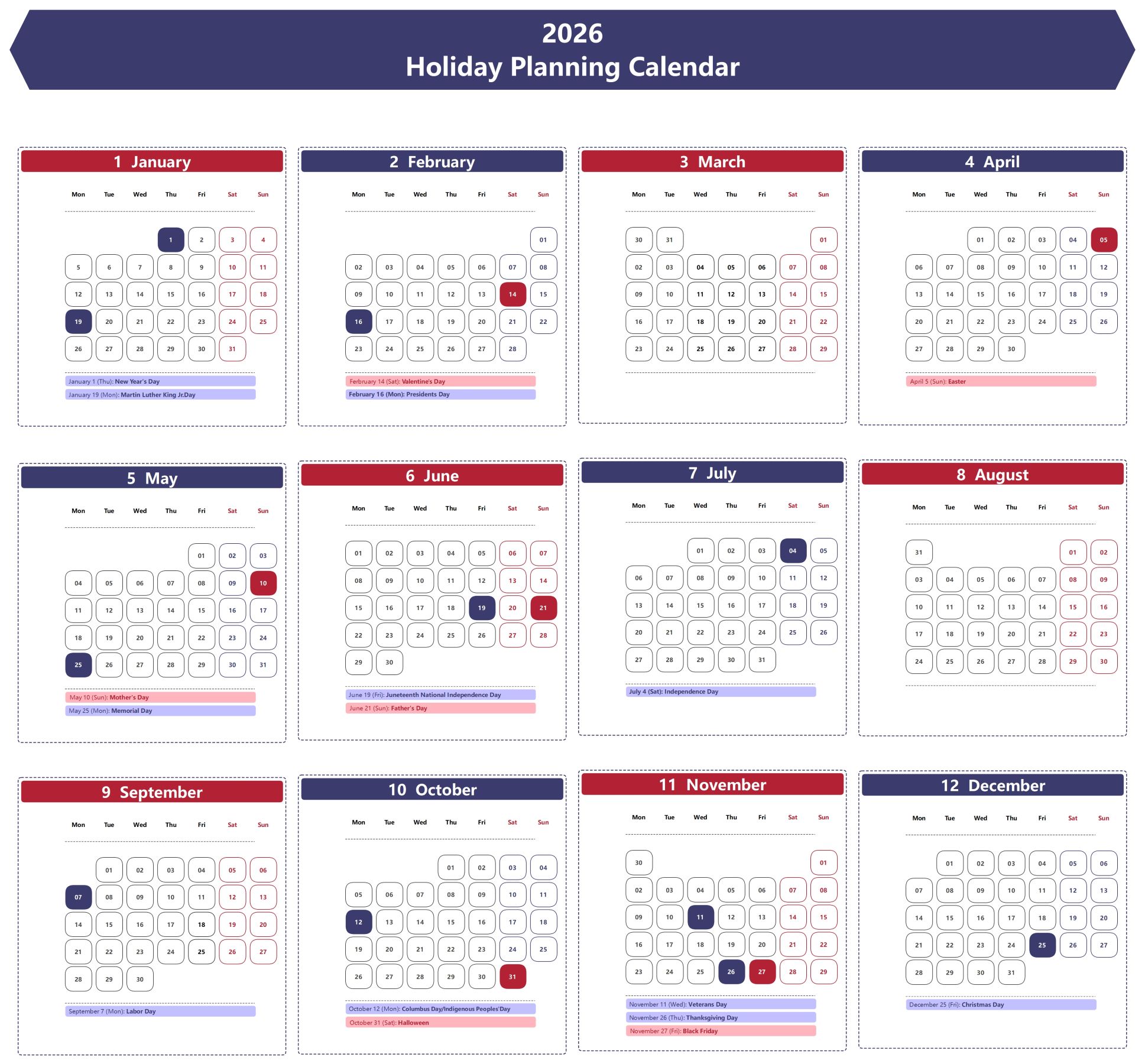
About this Training Course Implementation Calendar Template
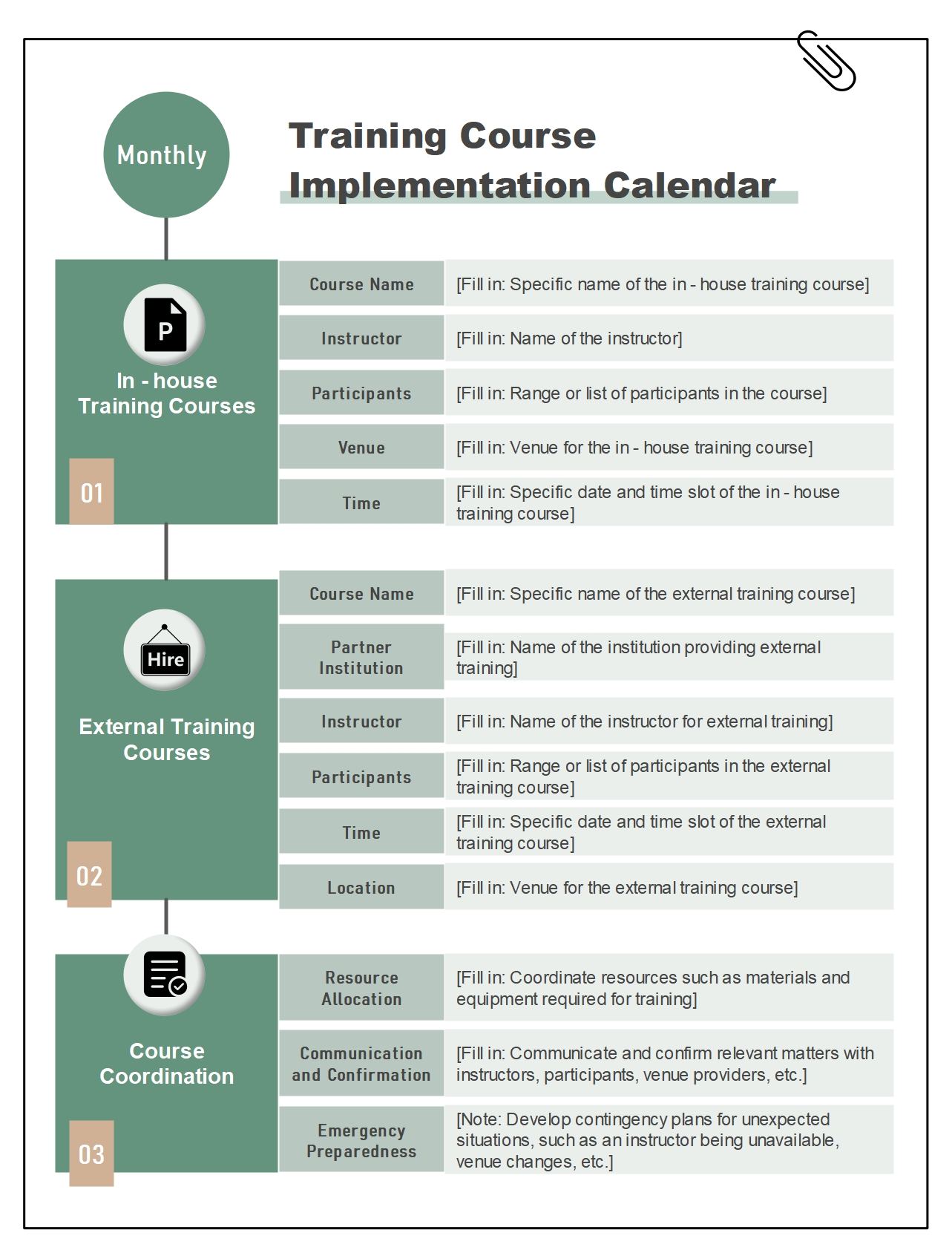
This “Training Course Implementation Calendar” template organizes training work by time, preparation, and delivery stages, making course rollout easier to track through the calendar.
Training Schedule
This branch anchors the course plan to a calendar structure, helping teams see when each training block is meant to happen.
- Use this node to define the overall training timetable.
- Keep delivery work tied to a visible schedule.
Preparation Tasks
This branch captures the setup work that must happen before course delivery, such as materials, venues, or coordination.
- Use this node to group pre-training preparation.
- Keep setup activity separate from the training sessions themselves.
Course Delivery
This branch focuses on the sessions being run, helping the map distinguish preparation from actual instruction.
- Use this node to organize the active teaching phase.
- Keep delivery milestones tied to specific dates or modules.
Participant Coordination
This branch links the calendar to the people attending, making training logistics more practical and complete.
- Use this node to track attendance or participant communication.
- Keep learner management tied to the training calendar.
Review and Feedback
This branch captures what happens after delivery, showing that implementation includes evaluation as well as scheduling.
- Use this node to collect training feedback and review outcomes.
- Keep evaluation work tied to the course timeline.
Follow-Up Actions
This branch turns the course into an ongoing improvement process by recording what needs to happen after the training is complete.
- Use this node to define post-training next steps.
- Keep follow-up linked to the results of the training cycle.
FAQs about this Template
-
What should a training calendar include?
A training calendar should usually include course dates, preparation tasks, instructors, participant timing, materials, and review checkpoints. It is most useful when it shows not only when sessions happen, but also what needs to be ready before each learning stage begins.
-
How do you schedule a training course effectively?
A training course is usually scheduled effectively by balancing learning goals, trainer availability, participant capacity, and enough preparation time for materials and logistics. Good scheduling makes the course easier to deliver and easier for participants to complete well.
-
Why does training timing matter?
Training timing matters because course quality depends heavily on preparation, attendance readiness, and whether learners can absorb the material without schedule conflict. A well-timed calendar improves completion and reduces avoidable disruption.
-
What’s the difference between a training calendar and a lesson plan?
A training calendar focuses on timing, sequence, and implementation across the program, while a lesson plan focuses more closely on the content and method inside one session. Both are useful, but they solve different planning needs.